
Drone Fleet Management: The Complete Guide for Growing Operations
Managing one drone is simple. Managing five is a challenge. Managing twenty without systems is a compliance disaster waiting to happen. This guide shows you how to scale your drone operation without losing control.
What is Drone Fleet Management?
Drone fleet management means running your drone operation as one connected system, rather than tracking flights, equipment, and pilots separately.
Instead of spreadsheets scattered across folders and compliance documents buried in email, fleet management gives you a single view of your entire operation. You can see which drones are ready to fly, which batteries need attention, which pilots are current on their certifications, and which jobs are scheduled for next week.
At its core, fleet management answers the questions that keep drone program managers up at night:
- Which drone flew last Tuesday's inspection job?
- When was the Mavic 3's last firmware update?
- Is Sarah's Part 107 still current?
- How many flight hours has Battery #7 logged?
- Where's the risk assessment for the solar farm project?
Why Fleet Management Matters
- Safety: Never miss a maintenance item
- Compliance: Audit-ready records always
- Efficiency: Less admin, more flying
- Scalability: Grow without chaos
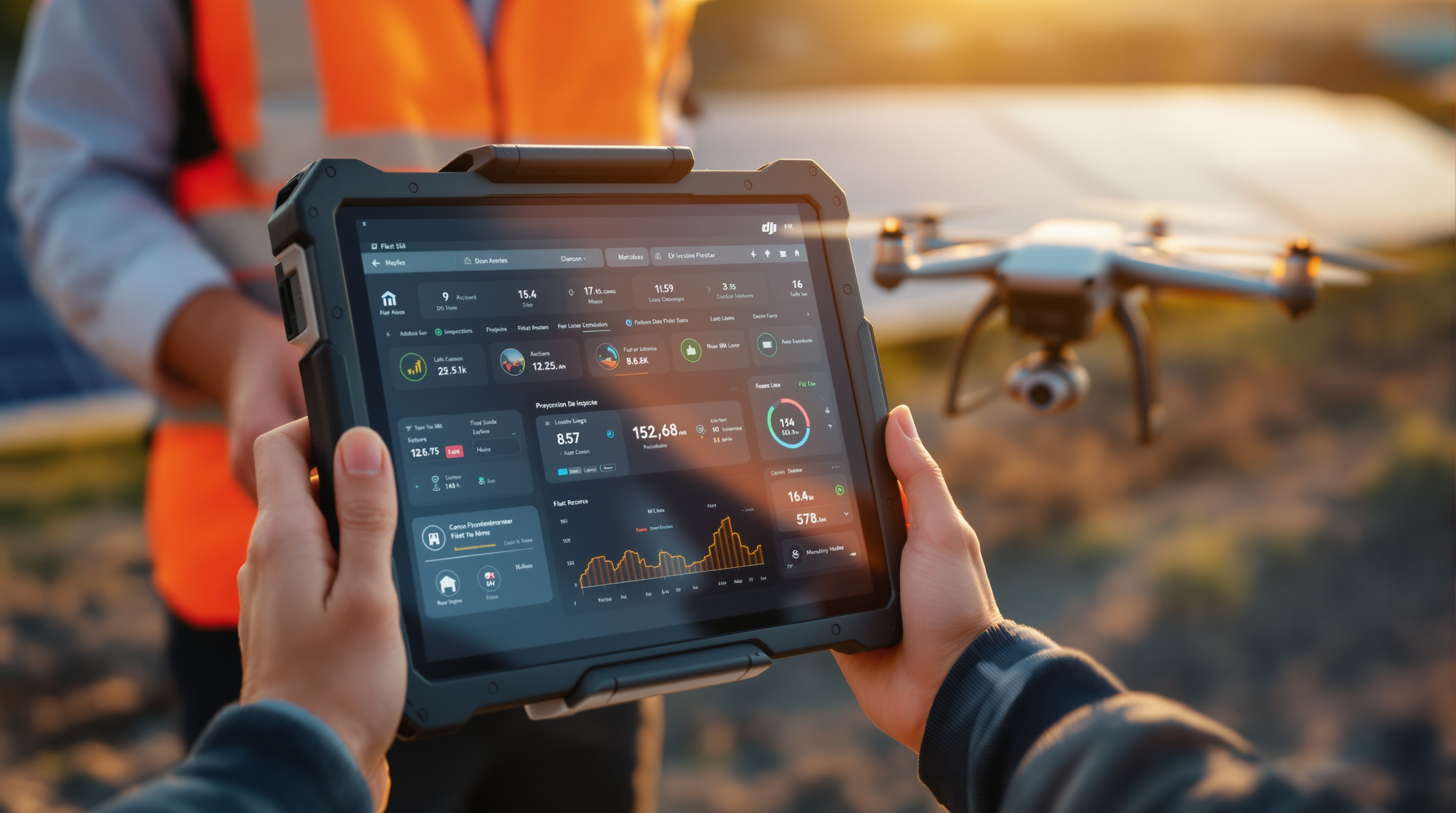
Signs You've Outgrown Spreadsheets
Fleet management isn't something you need on day one. But there's a tipping point where manual tracking becomes a liability. Here's how to know if you've reached it.
You can't answer basic questions quickly
"Which drone flew last week's job?" takes you 10 minutes to figure out instead of 10 seconds.
Pilots ask for records you can't find
Maintenance logs are scattered across email attachments, shared drives, and paper folders.
You've missed maintenance items
A battery exceeded its cycle count. A firmware update was skipped. You only found out when something went wrong.
Compliance documents are scattered
Registration certificates, pilot credentials, and flight logs live in different places with no single source of truth.
You've double-booked equipment
Two pilots showed up expecting the same drone. Or worse, equipment was promised to a client but was actually in for service.
Admin work is eating your week
You're spending hours on paperwork that used to take minutes. Growth has created an admin burden you never anticipated.
Quick Assessment
Count how many of the above scenarios apply to your operation:
- 1-2 You're managing okay, but watch for growth triggers
- 3-4 You're at the tipping point. Fleet management will save you significant time
- 5-6 You're overdue. Every week without fleet management is costing you money and creating risk
Core Components of Fleet Management Software
Not all fleet management tools are created equal, but the best ones share common capabilities. Here's what to look for when evaluating your options.
Fleet Visibility and Aircraft Status
The foundation of fleet management is knowing what you have and what condition it's in. Good software gives you a real-time view of every drone in your operation.
- See all aircraft in one dashboard
- Track in-service vs grounded status
- View last flight date and location
- Monitor firmware versions at a glance
- Check registration and Remote ID compliance
Fleet Dashboard Example
What you should see at a glance| Aircraft | Status | Last Flight |
|---|---|---|
| Mavic 3E #1 | Ready | Today |
| Mavic 3E #2 | Service Due | 3 days ago |
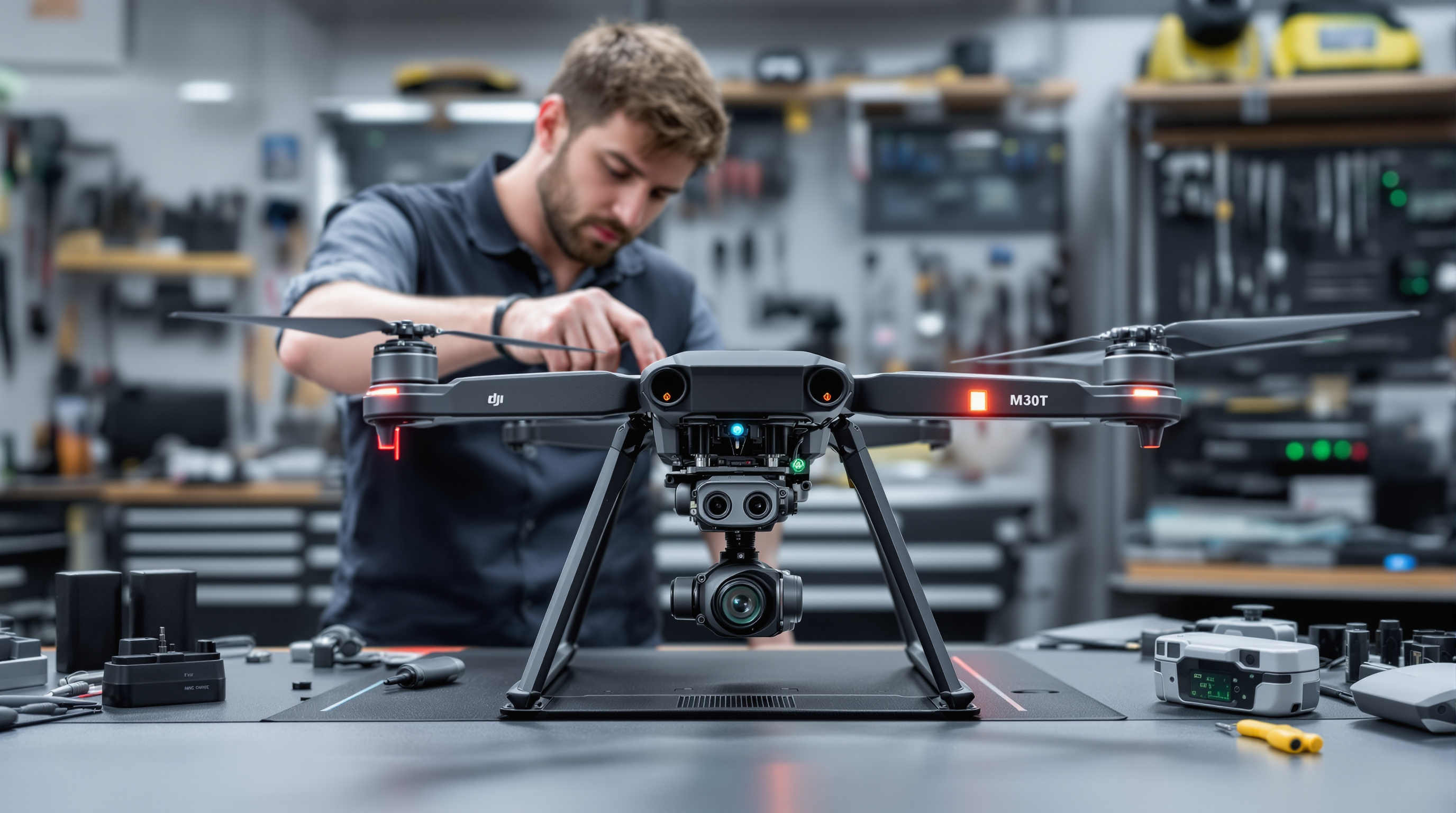
| M30T | Grounded | 1 week ago |
Maintenance and Battery Tracking
Drones are machines, and machines need maintenance. Fleet software tracks service schedules, battery health, and component wear so you catch problems before they ground your operation.
- Flight hour tracking with service alerts
- Battery cycle counts and health monitoring
- Component-level tracking (propellers, gimbals, sensors)
- Automated reminders before maintenance is due
- Service history logs for each asset
Battery Health Dashboard
Pilot Management and Credentials
As your team grows, pilot management becomes just as important as equipment management. Track certifications, training, and flight hours to ensure everyone stays current and qualified.
- Part 107 certification tracking
- Recurrent training reminders (24-month requirement)
- Flight hour logging per pilot
- Skills and authorization tracking
- Assignment and scheduling
Pilot Credentials
Part 107 • 342 flight hours
Part 107 • 128 flight hours
Part 107 • 89 flight hours
Flight Logging and Records
Every mission generates data. Fleet management software organizes it so you can trace any flight back to a specific drone, pilot, and job without digging through files.
- Automatic and manual logging options
- GPS tracks, duration, and altitude data
- Link flights to jobs, clients, and equipment
- Export for audits, insurance, and client reports
- DJI flight sync for automatic data import
Flight Log Entry
- Date
- Jan 28, 2026
- Pilot
- Sarah Chen
- Aircraft
- Mavic 3E #1
- Duration
- 24 minutes
- Location
- Riverside Solar Farm
- Client
- SunPower Energy LLC
- Job
- Q1 Panel Inspection
Compliance Dashboard
Regulations don't scale automatically. Fleet software keeps you audit-ready by tracking registrations, Remote ID compliance, waivers, and all the documentation that proves you're operating legally.
- FAA registration tracking with renewal alerts
- Remote ID compliance status for each aircraft
- Waiver management and expiration tracking
- Insurance certificate storage
- One-click audit report generation
Compliance Overview
Ready to see fleet management in action?
Start your free trial and experience how Dronedesk brings all these components together in one platform.
Fleet Management for Different Operation Sizes
What you need from fleet management software depends on where you are in your growth journey. Here's how requirements change as operations scale.
Solo Operators Scaling to 5+ Drones
The transition pointYou've been managing fine with memory and basic records. But as you add that third, fourth, or fifth drone, the mental overhead becomes real. This is when small mistakes start happening.
What you need:
- Simple equipment tracking
- Basic maintenance alerts
- Flight logging
- Registration tracking
Small Teams (5-20 Drones)
Multiple pilots, shared equipmentOnce you have multiple pilots sharing equipment, coordination becomes critical. Who's using which drone? Is it ready? Did the last pilot log their flight? Team operations need team-level tools.
What you need (in addition to Tier 1):
- Pilot credential tracking
- Equipment assignment and scheduling
- Team-level reporting
- Client and job management
Enterprise Programs (50+ Drones)
Multi-location, complex operationsEnterprise drone programs need enterprise-grade controls. Multiple locations, strict compliance requirements, and integration with existing business systems become non-negotiable.
What you need (in addition to Tier 2):
- Role-based access and permissions
- Multi-location coordination
- Audit Trails
- Compliance reporting
Public Safety and Government
Accountability-focused operationsPublic safety teams operate under intense scrutiny. Every flight may need to be justified. Every piece of equipment must be accounted for. Chain of custody for captured data matters.
What you need:
- Detailed incident documentation
- Shift and personnel coordination
- Complete audit trails
- Evidence chain of custody
Drone Fleet Management Software Compared
The market offers several options for fleet management. Here's an honest comparison to help you evaluate what fits your operation.
| Software | Best For | Fleet Size | Multi-Brand | Starting Price |
|---|---|---|---|---|
| Dronedesk | Full operations management + client/job tracking | Any size | From $15/mo | |
| Aloft | Airspace management, LAANC authorization | Any size | Free / Enterprise | |
| AirData | Flight log analysis, battery health | Any size | From $3/mo | |
| DJI FlightHub 2 | DJI enterprise fleets, real-time streaming | Large | DJI only | Enterprise pricing |
| FlytBase | Autonomous operations, BVLOS, drone-in-a-box | Enterprise | Limited | Custom pricing |
| DroneLogbook | Basic compliance logging | Small | From $7/mo |
Understanding the Different Tool Categories
Operations Management
Manages the business side: clients, jobs, pilots, equipment, compliance, and flight records. This is what Dronedesk focuses on.
Examples: Dronedesk, DroneLogbook
Airspace Tools
Focused on airspace awareness, LAANC authorization, and flight planning. Essential for legal flying, but not business management.
Examples: Aloft, B4UFLY
Mapping Software
Processes drone imagery into maps, 3D models, and measurements. Different purpose entirely from fleet management.
Examples: DroneDeploy, Pix4D
The True Cost of NOT Using Fleet Management
Fleet management software has a cost. But the cost of not using it is often much higher. Here's what poor fleet management actually costs your operation.
Equipment Failure
Missed maintenance leads to in-flight failure. Drone replacement plus lost job revenue.
Insurance Denial
Can't prove compliance or provide flight records? Your claim may be denied.
Missed Job
Double-booked equipment or expired pilot certification means canceling on a client.
FAA Penalty
Maximum civil penalty per violation for operating non-compliantly.
The Hidden Cost: Your Time
Beyond the dramatic failures, there's a constant drain that's easy to overlook:
| Time spent on manual tracking | 5 hours/week |
| Your effective hourly rate | × $75/hour |
| Weeks per year | × 50 weeks |
| Annual cost of manual administration | $18,750 |
Even cutting that admin time in half would save more than most fleet management software costs in a year.
Implementing Fleet Management: A Practical Guide
Moving from spreadsheets to fleet management software doesn't have to be painful. Here's a realistic implementation timeline.

Inventory All Equipment
List every drone, battery, controller, and accessory you operate. Include serial numbers, purchase dates, and current condition. This becomes your equipment database.
Time required: 1-2 hours for small fleets, half a day for larger operations
Gather Pilot Records
Collect Part 107 certificates, training records, and flight hour logs for each pilot. Note certification dates and renewal deadlines.
Time required: 30 minutes per pilot
Choose Your Software
Evaluate options based on your operation size and needs. Take advantage of free trials to test with real workflows before committing.
Time required: 1-2 weeks to properly evaluate options
Set Up Equipment Profiles
Enter your equipment into the system. Configure maintenance schedules based on manufacturer recommendations and your operational intensity.
Time required: 1-2 hours for initial setup
Establish Flight Logging Discipline
Make logging non-negotiable from day one. The value of fleet management compounds over time, but only if records are consistent.
Time required: Ongoing (2-3 minutes per flight)
Train Your Team
Get everyone using the same system the same way. Inconsistent adoption undermines the entire purpose of centralized management.
Time required: 1-2 hours for team training
Best Practices for Ongoing Fleet Management
Getting set up is just the beginning. Here's how to maintain fleet management discipline over time.
Log Every Flight
No exceptions. Even quick test flights. The moment you start skipping logs, gaps appear in your records that are impossible to fill later.
Weekly Equipment Reviews
Spend 15 minutes each week checking equipment status. Address upcoming maintenance before it becomes urgent.
Monthly Compliance Checks
Review pilot certifications, registrations, and insurance. Catch renewals 60+ days out so there's time to act.
Quarterly Audits
Run reports on utilization, maintenance history, and pilot activity. Look for patterns that suggest problems or opportunities.
Annual Process Review
Once a year, step back and evaluate whether your fleet management processes still fit your operation. Adjust as you grow.
Team Accountability
Make fleet management part of the culture, not just the software. Everyone contributes to keeping records accurate.
Everything You Need in One Platform
Dronedesk brings together all the fleet management components we've discussed, plus capabilities that other tools don't offer.
Trusted by Professional Operators
"After working in several apps, spreadsheets, and disparate documents to manage my drone business operations, I found Dronedesk. What a fabulous, comprehensive application for managing all aspects of drone operations."
"Brilliant! Dronedesk has changed the way I plan and prepare for all UAV activities - saving time and making our work place much safer."
Real-World Fleet Management Scenarios
Here's how fleet management works in practice across different types of operations.
Surveying Company
Setup: 8 drones across 3 field teams, covering construction and land surveying projects
Challenge
Equipment was constantly moving between teams. No one knew which drone had the RTK module attached. Batteries were being used past safe cycle counts.
Solution
Fleet management with QR code labels on every asset. Teams scan equipment in/out of projects. Battery health alerts trigger automatic retirement at 180 cycles.
Result
Zero equipment conflicts in 6 months. Maintenance compliance improved from ~70% to 98%.
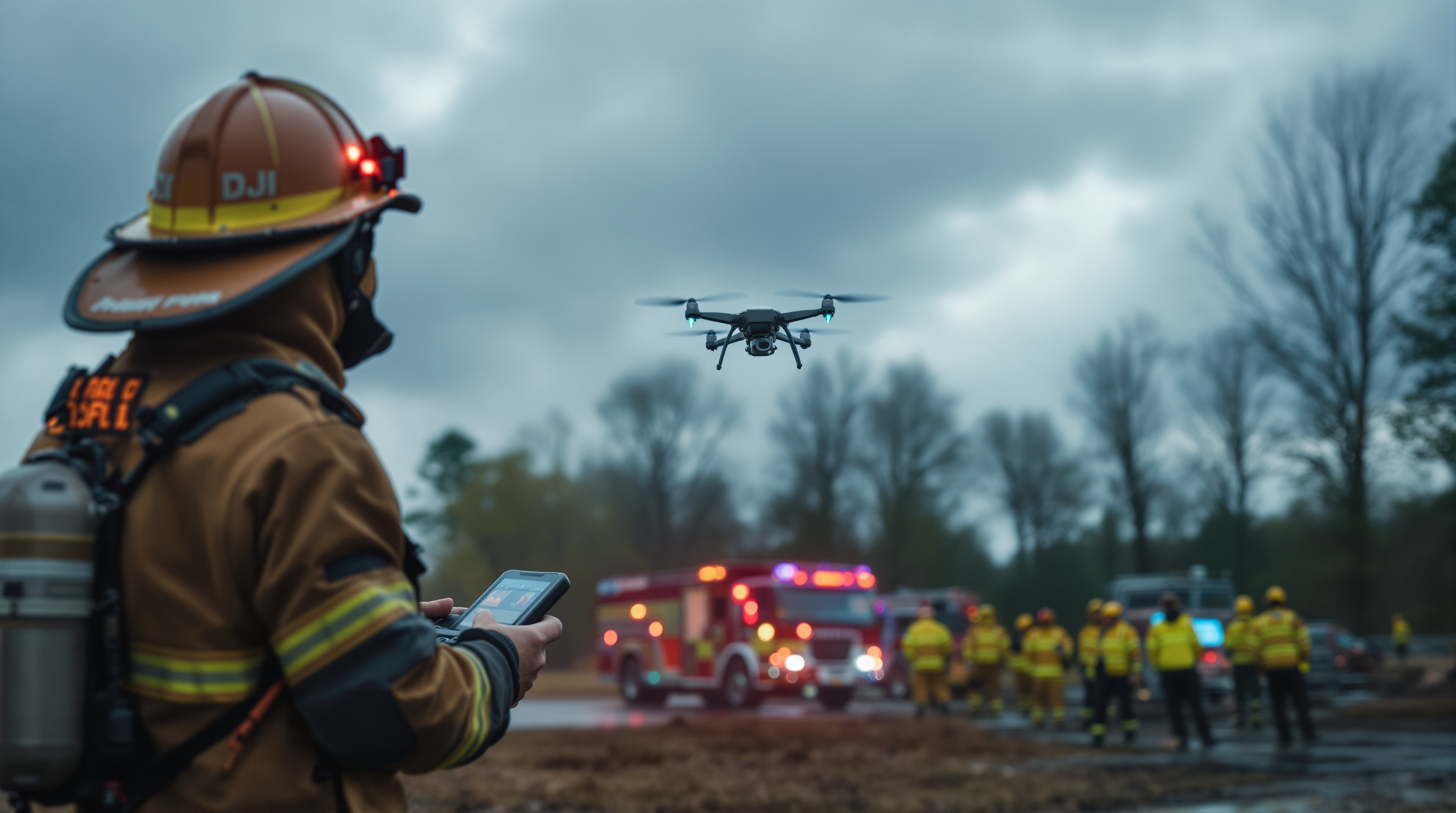
Public Safety Agency
Setup: 15 drones, 30 certified pilots across patrol and investigation units
Challenge
Shift changes meant different pilots using shared equipment. Incident documentation was inconsistent. Couldn't quickly answer council questions about drone program activity.
Solution
Centralized fleet management with mandatory flight logging tied to incident numbers. Automated reports for oversight reporting. Credential alerts ensure only current pilots fly.
Result
Complete audit trail for every flight. Monthly reports generated in minutes instead of hours.

Growing Inspection Service
Setup: Started with 3 drones, grew to 12 over 18 months
Challenge
Rapid growth outpaced manual processes. The founder was spending 10+ hours/week on administrative tasks that used to take 2 hours.
Solution
Implemented fleet management early in growth phase. Client records, job tracking, and flight logging all in one place. Hired additional pilots without adding admin burden.
Result
Scaled from 3 to 12 drones with same admin overhead. Owner back to focusing on flying and client relationships.
Read about real-world results: Explore our case studies showing how drone teams are cutting costs and scaling faster with Dronedesk. Read more...
Frequently Asked Questions
Common questions about drone fleet management
Ready to Take Control of Your Drone Fleet?
Join over 700 drone companies already using Dronedesk to manage their operations. Start your -day free trial today and see the difference fleet management makes.
-day free trial. Cancel in-app anytime.