
Drone Mapping Software: The Complete Comparison Guide
Drone mapping has transformed surveying, construction monitoring, and land management. But choosing the right software? That's where most operators struggle. This guide compares Pix4D, DroneDeploy, and every major alternative with honest assessments of features, pricing, and who each solution actually serves.
What is Drone Mapping Software?
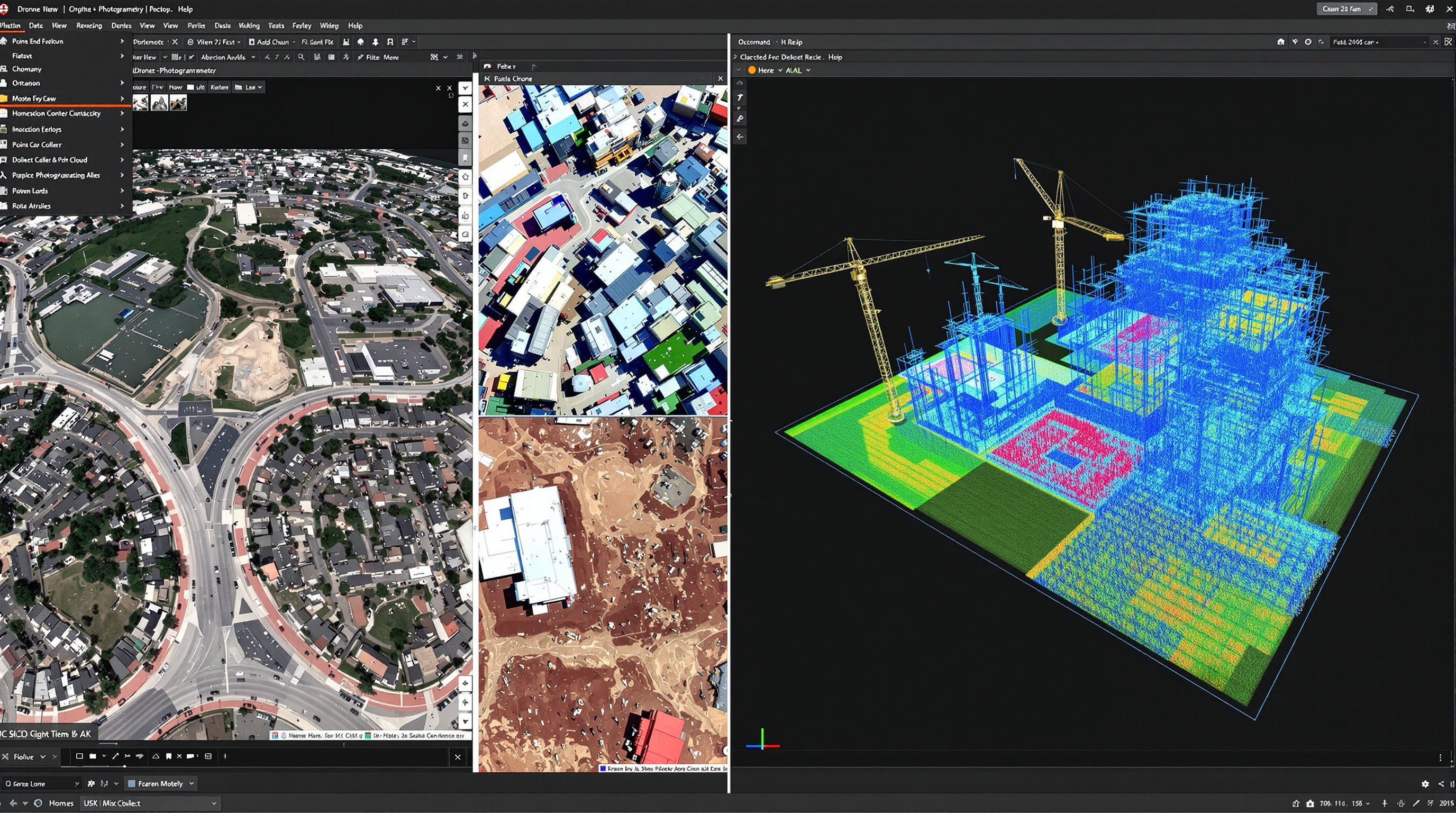
Drone mapping software transforms aerial imagery into actionable data like orthomosaic maps, 3D models, point clouds, elevation models, and precise measurements.
The technology behind this is photogrammetry: taking overlapping photographs from different angles and using algorithms to reconstruct the geometry of what was captured. Modern software automates this complex process, turning hundreds or thousands of drone images into survey-grade deliverables.
Types of Drone Mapping Software
The market divides into several categories, and understanding these helps you choose the right tool:
Flight Planning Apps
Create automated flight paths to ensure proper coverage and overlap. Examples: Pix4Dcapture, DroneDeploy app, DJI Pilot 2.
Processing Engines
Convert images into maps and models. Can be desktop (Pix4Dmapper, Agisoft Metashape) or cloud-based (Pix4Dcloud, DroneDeploy).
Analysis Platforms
Measure, annotate, compare, and extract insights from processed data. Often built into end-to-end platforms.
End-to-End Platforms
Complete solutions covering flight planning, processing, analysis, and collaboration. Examples: DroneDeploy, Propeller.
Common Mapping Outputs
-
Orthomosaic Maps
Geometrically corrected aerial images stitched into a single, accurate map. The foundation of most mapping projects.
-
3D Point Clouds
Millions of georeferenced points representing surface geometry. Essential for volumetric calculations and terrain analysis.
-
Digital Elevation Models
DSM (with objects) and DTM (bare earth) showing terrain heights. Critical for grading, drainage, and earthworks.
-
3D Mesh Models
Textured 3D reconstructions for visualization, inspection, and stakeholder communication.
-
Contour Lines
Elevation contours at specified intervals for topographic mapping and CAD integration.
Key Features to Evaluate
Not all mapping software is created equal. Here's what actually matters when comparing options, and what to ignore.
Accuracy & GCP Support
For survey-grade work, accuracy is everything. Look for RTK/PPK support, ground control point workflows, and published accuracy specifications. Pix4D leads here; DroneDeploy is "good enough" for many use cases.
Cloud vs Desktop Processing
Cloud processing means no hardware investment and faster results for large datasets. Desktop processing offers more control, works offline, and keeps data on-premise. Some platforms (Pix4D) offer both.
Export Formats & Integrations
Your data needs to flow into other tools like CAD, GIS, BIM. Check supported export formats (GeoTIFF, LAS, DXF, OBJ) and direct integrations with platforms like AutoCAD, ArcGIS, and Procore.
Collaboration Features
Can clients view results without software licenses? Can your team annotate and comment? Share links? This matters more than most people realize especially for construction and enterprise use.
Measurement & Analysis Tools
Beyond pretty maps, you need actionable data: distance, area, volume measurements; cut/fill calculations; elevation profiles; change detection between surveys. Propeller excels at construction-specific analytics.
Sensor Support
Standard RGB cameras are universal. But if you work with LiDAR, multispectral, or thermal sensors, verify compatibility. DJI Terra handles DJI's Zenmuse L2 natively; Pix4D and Metashape support broader sensor ranges.
Drone Mapping Software Compared
Here's an honest comparison of the major players. We've used most of these ourselves and gathered feedback from hundreds of drone operators.
| Software | Best For | Processing | Starting Price | Accuracy | Ease of Use |
|---|---|---|---|---|---|
| Pix4D | Professional surveyors, high-precision work | Desktop + Cloud | ~$350/mo or $4,990 perpetual | Excellent | Moderate |
| DroneDeploy | Construction teams, enterprise collaboration | Cloud only | ~$329/mo | Good | Excellent |
| Propeller | Earthworks, construction progress tracking | Cloud only | Custom pricing | Excellent | Excellent |
| DJI Terra | DJI drone users wanting integrated workflow | Desktop | ~$1,680/yr | Excellent | Good |
| OpenDroneMap | Budget-conscious, technical users | Desktop (local) | Free | Good | Challenging |
| Agisoft Metashape | Research, archaeology, complex workflows | Desktop | $179 (Standard) / $3,499 (Pro) | Excellent | Moderate |
Pricing as of early 2026. Verify current prices with vendors. "Accuracy" and "Ease of Use" ratings based on industry feedback and our experience.
Pix4D: Professional-Grade Precision
Pix4D is the benchmark that other mapping software is measured against. Swiss-engineered and trusted by surveyors worldwide, it delivers the accuracy and flexibility that professional work demands.
Product Suite
Pix4D isn't a single product, it's an ecosystem. Pix4Dmapper is the flagship desktop photogrammetry engine. Pix4Dmatic handles large datasets with accelerated processing. Pix4Dcloud offers browser-based processing and collaboration. Pix4Dcapture handles flight planning. Specialized tools exist for agriculture (Pix4Dfields) and inspection (Pix4Dinspect).
Strengths
- Industry-leading accuracy
- Desktop + cloud flexibility
- 20+ export formats
- Comprehensive GCP workflows
- Works offline
- Excellent documentation
Limitations
- Steeper learning curve
- Higher cost than alternatives
- Desktop processing needs capable hardware
- Interface can feel dense
Pricing
Pix4Dmapper: ~$350/month subscription or $4,990 perpetual license (plus ~$870/year maintenance for updates). Pix4Dcloud starts at ~$49/month for basic, ~$249/month for advanced. Perpetual licenses make sense for high-volume operations; subscriptions suit occasional users.
Best for: Professional surveyors, engineering firms, anyone where accuracy is non-negotiable.

DroneDeploy: Collaboration-First Platform
DroneDeploy prioritizes accessibility and teamwork over maximum precision. It's the mapping platform that non-technical team members can actually use which matters more than most realize.
The cloud-based approach means no software installation, no powerful workstation required. Upload images from anywhere, processing happens automatically, and results are shareable via link. For construction companies managing multiple sites with diverse stakeholders, this accessibility is transformative.
Strengths
- Intuitive interface
- Excellent collaboration tools
- Strong construction features
- AI-powered analytics
- Mobile app for field access
- Broad integrations (Procore, Autodesk)
Limitations
- Cloud-only (no offline processing)
- Less accuracy control than Pix4D
- Fewer export formats
- Ongoing subscription cost
- GCP features limited to higher tiers
Pricing
Tiered subscription model starting around $329/month for individual plans, up to $599/month for advanced features. Enterprise pricing is custom. GCP support requires higher tiers or per-map fees (~$49/map on some plans). Costs add up for high-volume operations.
Best for: Construction teams, enterprise deployments, operators who prioritize ease of use over maximum precision.
Propeller: Built for Earthworks
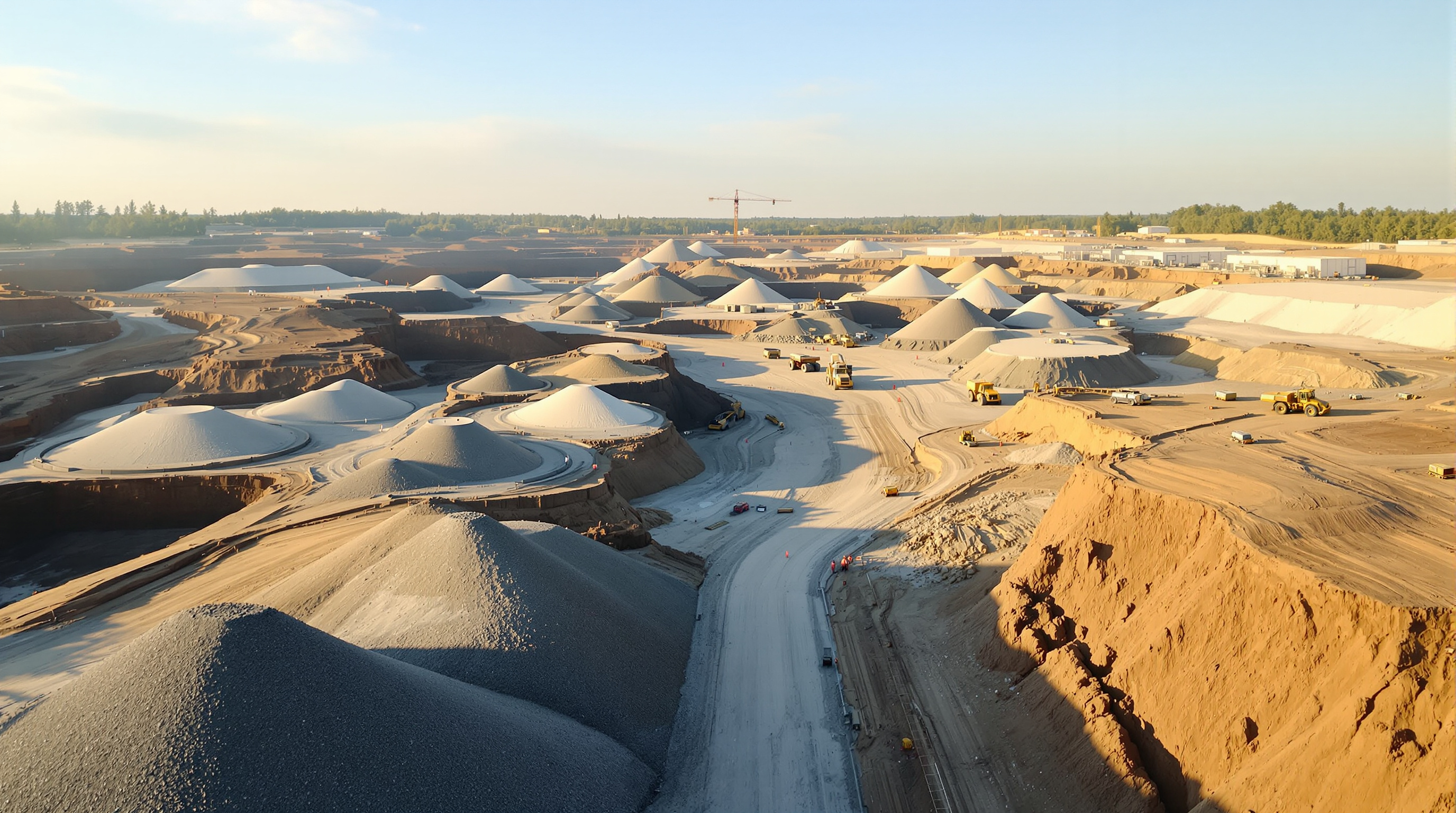
Propeller isn't trying to be everything to everyone. They've focused relentlessly on construction and earthworks and it shows. If you're tracking cut/fill, managing stockpiles, or monitoring site progress, Propeller speaks your language.
The secret weapon is their AeroPoints system: smart ground control points that eliminate the tedious GCP workflow. Set them out, fly your mission, and upload. Propeller handles the rest, delivering survey-grade accuracy without the surveyor-grade complexity. Over 80,000 worksites across 120 countries use the platform.
Strengths
- Purpose-built for construction
- AeroPoints simplify accuracy
- Excellent volumetric tools
- Progress tracking over time
- Machine telematics integration
- Outstanding customer support
Limitations
- Niche focus limits versatility
- Full features require AeroPoints
- Less suitable for general mapping
- Custom pricing lacks transparency
Pricing
Custom pricing based on sites, users, and features. AeroPoints hardware starts around $1,000/unit with processing fees (~$600/year per AeroPoint group). The platform offers a 14-day free trial. Contact their sales team for quotes but expect enterprise-level pricing.
Best for: Construction contractors, earthworks companies, quarries, mining operations, waste management sites.
DJI Terra: Native Integration
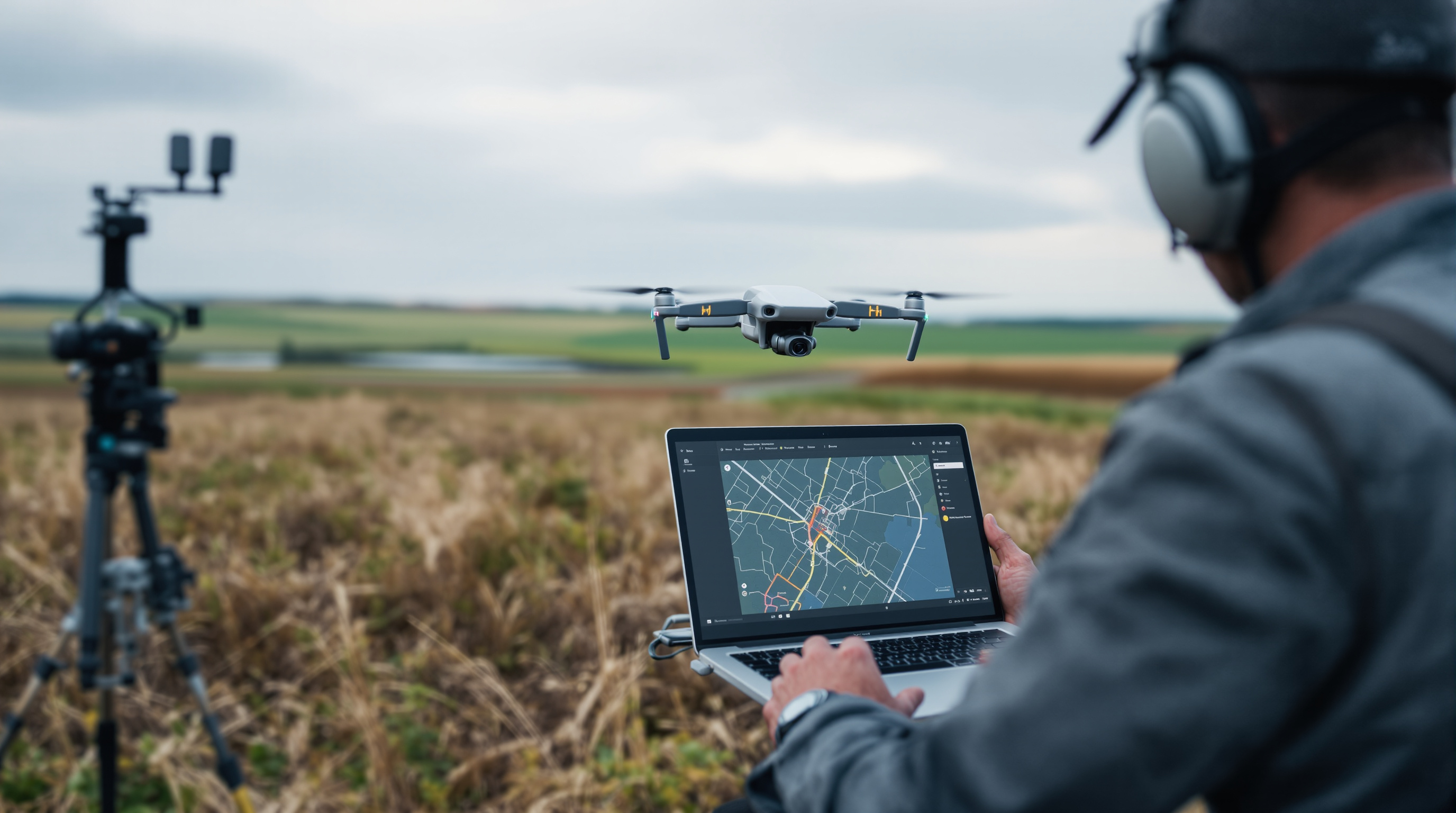
If your fleet is all DJI, Terra offers something competitors can't: seamless hardware-software integration. Real-time mapping during flight, direct LiDAR processing from Zenmuse sensors, and mission planning that speaks directly to your aircraft.
The recently released Terra v5.0 introduces Gaussian Splatting which is a rendering technique that creates photorealistic 3D models faster than traditional mesh workflows. It's a significant leap that positions Terra as a serious professional tool, not just a bundled option for DJI hardware buyers.
Strengths
- Perfect DJI integration
- Real-time 2D mapping in flight
- Native LiDAR processing
- Gaussian Splatting (v5.0)
- Offline processing
- Perpetual license available
Limitations
- DJI drones only
- Fewer features than Pix4D
- Windows only
- Limited third-party integrations
- Licensing can be confusing
Pricing
Terra Standard: ~$1,680/year subscription or permanent license available. Terra Flagship (includes Gaussian Splatting, cluster computing): higher tier. Perpetual licenses require ~$440/year maintenance for updates. Online and offline license variants exist. Significantly cheaper than Pix4D for DJI-only operations.
Best for: DJI-exclusive operations wanting tight hardware integration and good value.
Free and Open Source Options
Professional software is expensive. If you're budget-constrained, learning, or simply prefer open source, viable alternatives exist.
OpenDroneMap / WebODM
The leading open source photogrammetry toolkit. OpenDroneMap is the processing engine; WebODM provides a user-friendly web interface. It produces the same outputs as commercial tools; orthomosaics, point clouds, DEMs, and 3D models.
Pros
- Completely free and open source
- Active development community
- Data stays on your machine
- No subscription fees ever
- Supports GCPs and RTK
Cons
- Requires technical setup (Docker)
- Needs powerful hardware (32GB+ RAM)
- Steeper learning curve
- Processing can be slow
- Limited support (community forums)
When it makes sense: Learning photogrammetry, budget-constrained operations, privacy-sensitive work, occasional mapping needs where time isn't critical. WebODM Lightning offers affordable cloud processing (~$29/month) if you want WebODM's interface without running local hardware.
QGIS
QGIS isn't mapping software it's a geographic information system for analyzing the outputs. Free, powerful, and professional-grade. Many operators use QGIS alongside commercial photogrammetry tools for advanced analysis, styling, and export.
Use it for: Working with orthomosaics, generating contours, layer analysis, map styling, data conversion. Pairs well with any mapping software output.
When Free Makes Sense
- Learning and experimentation
- Occasional mapping (a few times per year)
- Internal use only (not client deliverables)
- Privacy/security requirements
- Academic and research work
When to Pay
- Client-facing work requiring reliability
- High volume (weekly+ mapping)
- Time-sensitive deliverables
- Survey-grade accuracy requirements
- Collaboration and sharing needs
Mapping Software vs Operations Management: You Need Both
Here's the gap most operators discover too late: mapping software processes your data. It doesn't run your business.
Pix4D doesn't track which client requested that survey. DroneDeploy doesn't log your flight hours for regulatory compliance. Propeller doesn't invoice your customer or remind you when pilot certifications expire.
Mapping software and operations management software serve fundamentally different purposes. Professional drone operations need both layers to function effectively.
Processes drone data into deliverables
- Flight planning
- Image processing
- Orthomosaics & 3D models
- Measurements & analysis
- Export & sharing
Runs your drone business
- Client & project management
- Scheduling & dispatch
- Equipment tracking
- Flight logging & compliance
- Compliance & reporting
How Dronedesk Complements Your Mapping Software
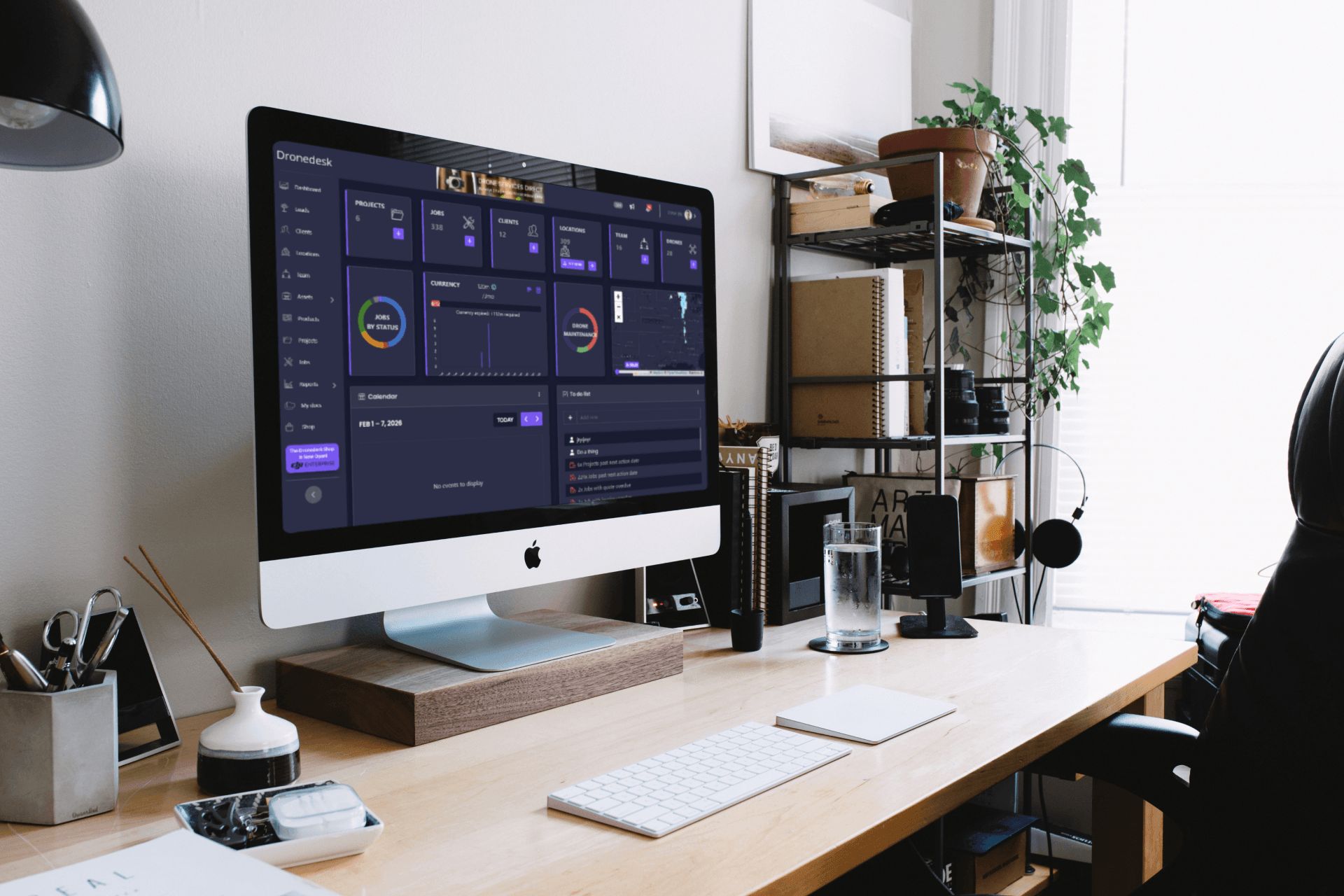
Dronedesk isn't mapping software and we're upfront about that. We're the operations layer that makes everything else work smoothly.
Use Pix4D for processing. Use DroneDeploy for collaboration. Use whatever mapping tool fits your workflow. Then use Dronedesk to manage the business side: scheduling jobs, tracking equipment, maintaining compliance records, logging flights, and invoicing clients.
- Manage clients and projects - CRM built for drone operations
- Schedule and dispatch jobs - Calendar, availability, assignments
- Track equipment - Drones, batteries, sensors, maintenance
- Log flights - Comprehensive records for compliance
- Monitor pilot credentials - Certifications, expiry alerts
- Generate invoices - Professional billing from logged work
Choosing the Right Software Stack
There's no single "best" combination. The right stack depends on your work type, volume, technical comfort, and budget. Here are proven combinations:
Professional Surveying Business
High accuracy requirements, client deliverables, compliance-heavy
Mapping: Pix4Dmapper (desktop) + Pix4Dcloud (collaboration)
Operations: Dronedesk
Why: Pix4D's accuracy meets survey standards; Dronedesk handles client management, flight logs, and equipment tracking.
Construction Monitoring
Progress tracking, stakeholder collaboration, site management
Mapping: DroneDeploy or Propeller
Operations: Dronedesk
Why: DroneDeploy excels at collaboration; Propeller dominates earthworks. Dronedesk schedules site visits and tracks your fleet.
Budget-Conscious Operator
Starting out, occasional mapping, cost-sensitive
Mapping: OpenDroneMap/WebODM
Operations: Dronedesk
Why: Free mapping software keeps costs down. Dronedesk (from £12/month) handles the business side professionally from day one.
DJI-Only Fleet
All DJI equipment, wanting tight integration
Mapping: DJI Terra
Operations: Dronedesk
Why: Terra's native DJI integration can't be beaten. Dronedesk tracks your DJI equipment alongside everything else.
Multi-Service Operator
Mapping plus inspections, filming, other services
Mapping: Flexible choice based on projects
Operations: Dronedesk
Why: Use different mapping tools as needed. Dronedesk manages all service types and mapping is just one workflow in your operation.
Research & Academic
Complex workflows, experimental methods, detailed control
Mapping: Agisoft Metashape or OpenDroneMap
Analysis: QGIS
Why: Metashape offers granular control; ODM is free and customizable. QGIS handles sophisticated GIS analysis.
Frequently Asked Questions
Ready to Streamline Your Mapping Operations?
You've got the mapping software sorted. Now let Dronedesk handle everything else; clients, scheduling, equipment, compliance, and invoicing. Join over 700 drone operators who run their business on Dronedesk.
-day free trial. Cancel in-app anytime.