
A Drone Maintenance Checklist for Shared Aircraft
Shared aircraft make drone maintenance a handover problem as well as a technical one. One pilot finishes a roof survey, another collects the case for a utility inspection and a third assumes the batteries inside are ready to fly. Without a clear record of condition and responsibility, a known fault can become somebody else’s surprise.
A useful checklist should establish what was checked, what remains unresolved and who can release the aircraft for use. The template below separates incoming inspections, post-flight handovers and scheduled work. Adapt it to each aircraft’s current manufacturer documentation, battery guidance and your organisation’s procedures rather than treating it as a universal servicing schedule.
Assign responsibility before sharing the aircraft
Give each aircraft a named maintenance owner and a deputy. This person coordinates scheduled work, checks that defects receive a response and controls the organisation’s return-to-service process. They do not necessarily perform every inspection or repair.
The outgoing pilot records the aircraft’s condition after use. The incoming pilot reviews that record and performs their own checks before accepting it. Whoever carries out maintenance records the work and any follow-up requirements.
For shared fleets, drone maintenance needs this separation of responsibilities because the person who discovers a fault may not be the person who resolves it. An entry such as “motor sounds odd” needs an owner and a decision, not simply an acknowledgement in a group chat.
Treat early defect reporting as useful information, not evidence that the reporting pilot caused the problem. Build these responsibilities into your wider drone fleet management process, including arrangements for aircraft borrowed between teams or stations.
Give every aircraft an unmistakable status
Use a small set of clearly defined statuses across the team. For example, available means the aircraft has no unresolved defects preventing use and its scheduled work is current. It does not remove the next pilot’s responsibility to inspect it.
Awaiting assessment means somebody has reported an issue and the aircraft must not be allocated until it has been assessed. Out of service means a known defect, overdue task or other restriction prevents use. Your terminology can differ, but its meaning should not.
Show the status in the shared record and on the physical case or equipment tag. An aircraft placed on the charging shelf should not look available when its record says otherwise.
Keep restrictions attached to the relevant component too. Removing a suspect battery should not erase its history or allow it to reappear in another aircraft’s case.
Your drone maintenance checklist before each flight
Start with the aircraft’s identity, not its appearance. Similar cases and identical airframes are easy to confuse. Match the aircraft identifier to its record, then identify the batteries, controller and payload being used.
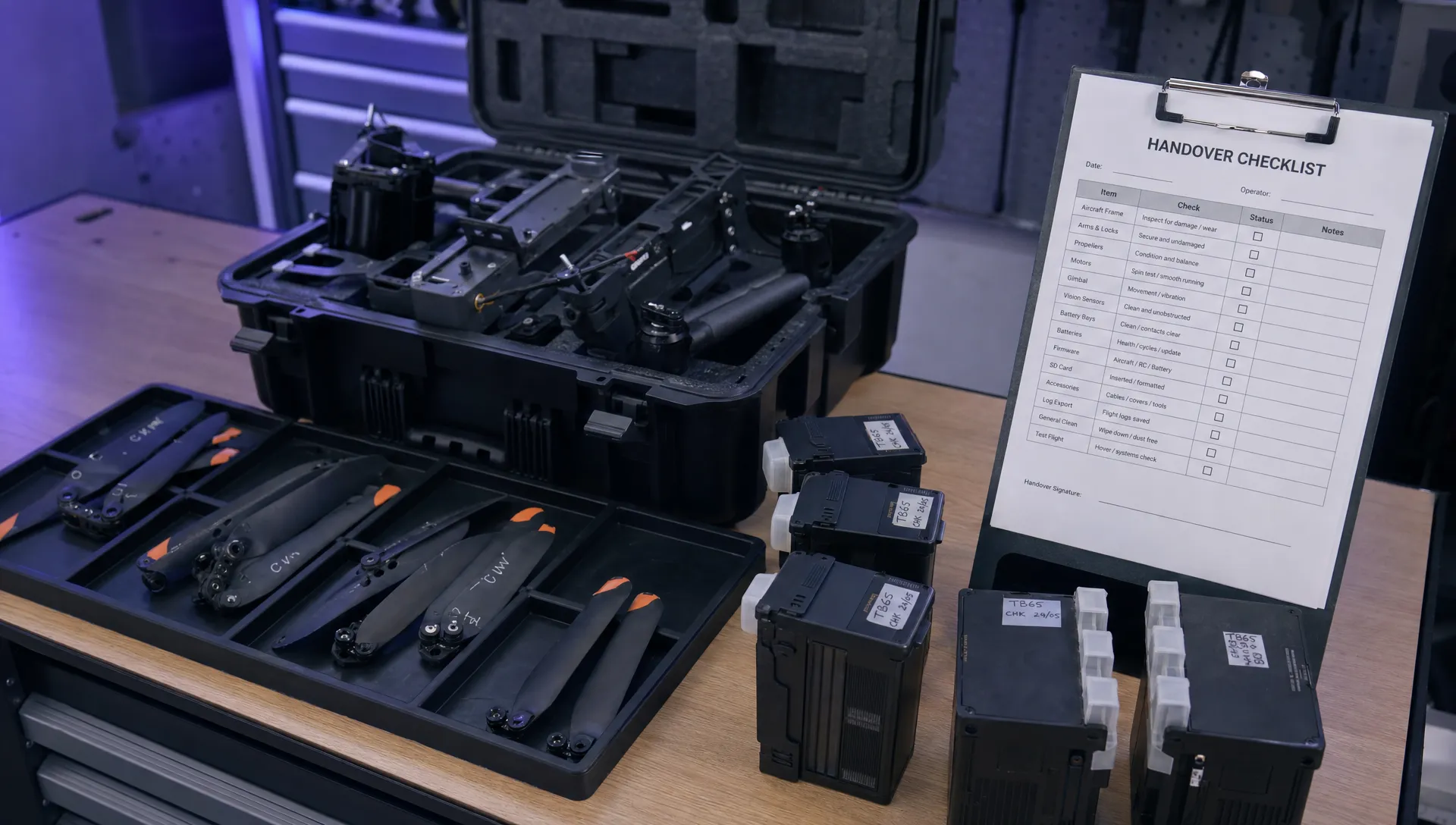
The following is a printable starting point. Add model-specific items and follow the manufacturer’s inspection method.
| Done | Check | What the incoming pilot should establish |
|---|---|---|
| ☐ | Identity and status | Correct aircraft, current maintenance status and no unresolved restrictions affecting the intended operation. |
| ☐ | Previous use | Latest handover reviewed, including warnings, unusual behaviour and environmental exposure. |
| ☐ | Structure | No damage, looseness or contamination around arms, hinges, landing gear and attachment points. |
| ☐ | Propellers and motors | Correct propellers securely fitted, with no cracks, chips or distortion; motor checks completed as specified by the manufacturer. |
| ☐ | Batteries | Correct packs identified, physically sound, adequately charged and within the manufacturer’s operating limits. |
| ☐ | Payload and sensors | Mounts secure, protective covers removed where required and relevant surfaces clean using approved methods. |
| ☐ | Controller and systems | Controller condition, configuration, software compatibility and required functional checks satisfactory. |
Remove power before hands-on inspection wherever the manufacturer’s procedure requires it. Do not improvise motor tests or work close to propellers while the aircraft could start unexpectedly.
Complete any powered checks in a suitable location. A workshop inspection cannot establish that conditions at the launch site are suitable.
Make acceptance an active decision
A handover signature should mean more than “case collected”. Record who accepted the equipment, when they accepted it and whether anything was missing or unresolved.
For shared aircraft, drone maintenance also depends on checking the whole working set. A serviceable airframe does not make a damaged controller, incorrect propeller set or faulty payload acceptable.
If the incoming pilot cannot establish the aircraft’s status, pause the allocation and contact the responsible person. A verbal assurance that it “flew fine yesterday” does not resolve an unexplained warning or an incomplete repair entry.
Where crews change remotely, attach clear photographs to defect reports when useful. Include the component identifier so the next person does not inspect the wrong item.
Check after landing, before handing over
Post-flight checks capture evidence while the flight is still fresh in the pilot’s memory. Complete them before packing, rather than expecting the next crew to discover a problem at their launch site.
Inspect the aircraft after shutdown using the manufacturer’s procedure. Allow components to cool before handling where required. Note anything that differed from normal operation, even if the mission was completed.
| Done | Check | Handover action |
|---|---|---|
| ☐ | Aircraft condition | Record new marks, damage, loose components or contamination. |
| ☐ | Flight behaviour | Record warnings, vibration, unusual sound, handling changes or unexpected battery behaviour. |
| ☐ | Batteries | Identify packs used and record condition, warnings and charging or storage requirements. |
| ☐ | Equipment completeness | Account for controller, payloads, charging equipment and any removed components. |
| ☐ | Defects and status | Create a defect record, assign responsibility and update the aircraft or component status. |
Post-flight drone maintenance should leave the next pilot with a decision-ready record. Replace “battery issue” with the battery identifier, the warning observed and the circumstances in which it appeared.
Clean equipment only with methods and materials allowed by the manufacturer. Do not use solvents, compressed air or water simply because they are available in the workshop. Pack equipment only when its condition is suitable for storage.
Track batteries separately from airframes
Batteries move between cases more readily than aircraft. Give each pack a unique identifier and keep its history separate, while recording which aircraft and flights it supported.
Inspect for swelling, impact damage, leakage, damaged contacts and abnormal heat. Review available battery-health information, including warnings and cycle data, against the manufacturer’s guidance. A high charge percentage does not establish that a pack is healthy.
Shared-aircraft drone maintenance should also make charging responsibility explicit. Record whether packs are awaiting cooling, charging or storage preparation, rather than leaving the next crew to guess. Use the specified charging equipment and follow the manufacturer’s requirements for temperature, supervision and charging location.
For aircraft using multiple batteries, follow the manufacturer’s compatibility and pairing guidance. Do not assume any two packs with matching connectors make a suitable set.
Storage charge levels, temperature limits and inspection intervals vary. Avoid copying a universal percentage or calendar interval into every aircraft’s checklist. Do not charge, deliberately discharge, open or puncture a suspect pack; follow the supplier’s damaged-battery handling and disposal guidance.
Separate routine checks from scheduled servicing
A pre-flight inspection does not replace scheduled work. Build the servicing schedule around the manufacturer’s current instructions, then account for the aircraft’s use and operating environment.
Where instructions specify calendar, flight-hour or cycle limits, track each applicable measure. Use the stated trigger rather than choosing whichever interval is most convenient. For model-specific documentation, consult sources such as the DJI Matrice 350 RTK downloads centre.
| Done | Review point | What to document |
|---|---|---|
| ☐ | Manufacturer servicing interval | Tasks due, procedure used and completion evidence. |
| ☐ | Life-limited or replaceable components | Component identity, usage and replacement trigger where specified. |
| ☐ | Battery review | Condition history, warnings and applicable retirement criteria. |
| ☐ | Transport or extended storage | Damage, deterioration and required recommissioning checks. |
| ☐ | Exposure to dust, moisture or contaminants | Whether limits were exceeded and what inspection or cleaning is required. |
| ☐ | Record review | Outstanding defects, missing evidence and tasks approaching their due point. |
A useful drone maintenance schedule makes the next due action visible before the aircraft is booked. Assign somebody to review upcoming work so a service task does not become a discovery made on site.
If your organisation adds shorter inspection intervals because of frequent transport or harsh conditions, record the reason. Do not present those local intervals as manufacturer requirements.
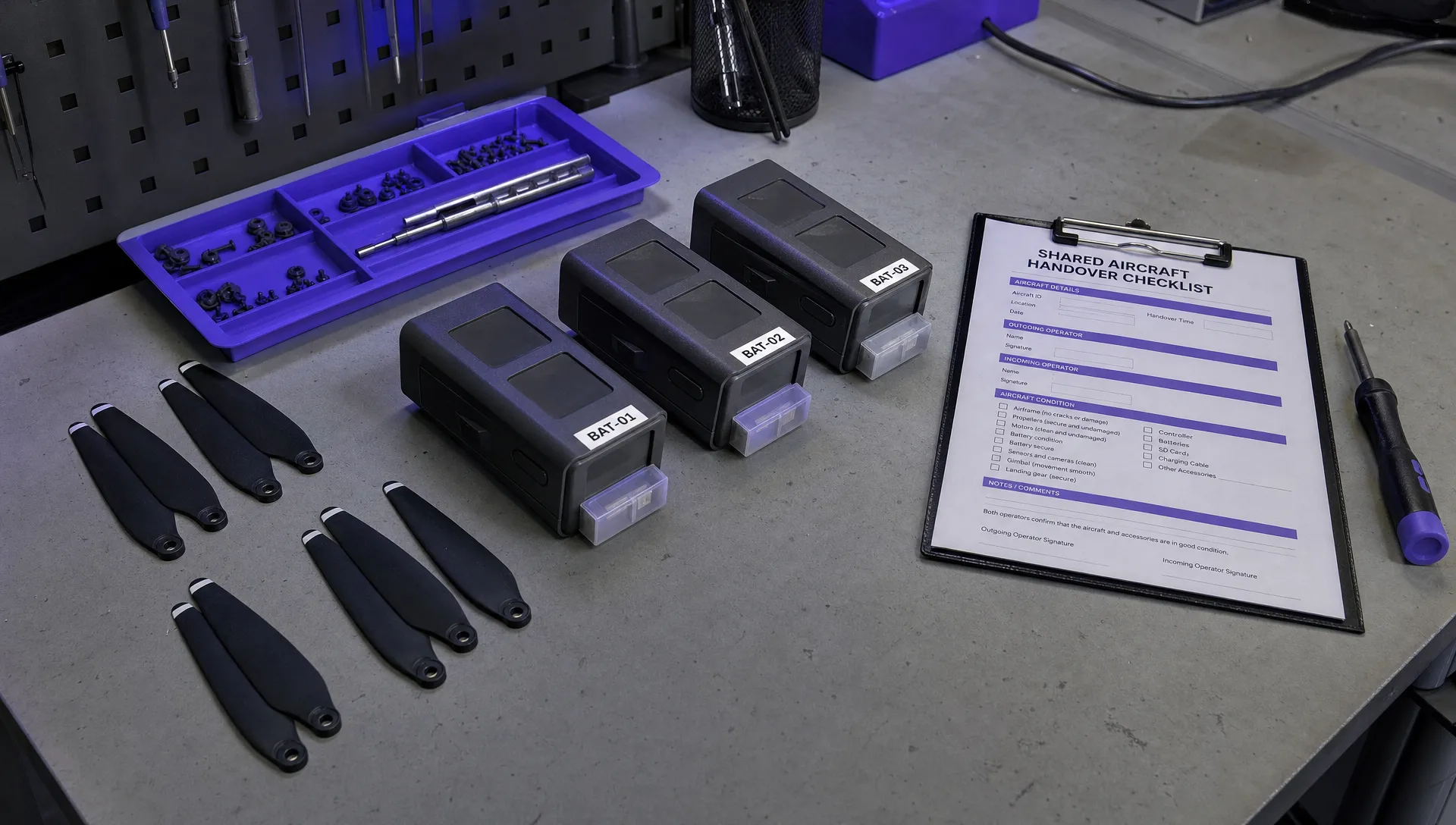
Treat firmware changes as controlled work
Do not leave software changes to whichever pilot first sees an update notification. Assign responsibility for checking manufacturer release notes and the compatibility of aircraft, controller, batteries, payloads and operating software where applicable.
Record the installed versions before making changes. Preserve relevant logs and configuration information, then follow the manufacturer’s update instructions. Complete the required post-update checks before allocating the equipment to another crew.
Firmware belongs in the drone maintenance record because a change can affect how a shared aircraft behaves or which accessories work with it. The next pilot should know what changed and whether verification is complete.
Avoid automatic calibration as a substitute for diagnosis. Carry out compass, inertial sensor or other calibration procedures when the manufacturer’s instructions or a properly assessed fault call for them. Repeatedly clearing a warning without finding its cause can hide an unresolved problem.
Schedule changes with enough time to investigate failed updates or unexpected behaviour. A successful installation message alone is not the organisation’s release decision.
Remove suspect equipment from use after abnormal events
A propeller strike, hard landing or suspected water ingress calls for removal from service until assessed under the manufacturer’s guidance. Visible damage is not the only reason to stop: repeated warnings, unexplained vibration or abnormal heating also need investigation.
Record what happened before cleaning, dismantling or resetting anything. Photograph relevant damage and preserve the original flight records. Note which batteries, propellers and payload were fitted, together with the conditions and symptoms observed.
Event-triggered drone maintenance should have a named investigator and a clear outcome. Separate affected equipment, mark its status and prevent another crew from collecting it while the assessment is incomplete.
When unexpected behaviour is involved, flight records can help establish the sequence of events. For DJI files, use the DJI flight log analysis tool alongside the physical inspection, not instead of it. A normal-looking log cannot prove that structural damage is absent.
Exposure within an aircraft’s published environmental limits is different from exceeding those limits. Assess the actual exposure against the relevant documentation rather than assuming every aircraft needs the same response to rain or dust. Do not improvise drying or recovery methods for equipment suspected of water ingress.
Define what your team may repair
Set an explicit boundary between operator-permitted maintenance and work requiring a suitably qualified repair provider. Use the manufacturer’s instructions, the competence of your staff and any warranty or service conditions to make that distinction.
Replacing a user-replaceable propeller according to its instructions is different from opening an aircraft or repairing its structure. Do not assume a confident pilot is qualified to diagnose internal electrical damage.
For shared fleets, drone maintenance decisions should identify who may perform each task and who may release the equipment afterwards. Use specified parts, fitting methods and tightening requirements. Avoid improvised adhesives, reshaping damaged propellers or reusing components that should be replaced.
After a repair, record the checks needed before normal use. Depending on the work and manufacturer’s procedure, these may include further inspection, functional checks or a controlled test flight. A test flight is not a substitute for an adequate repair assessment.
Keep a record that supports release to service
Keep maintenance records against a stable aircraft or component identifier, not just a job name. The next reviewer should be able to connect a reported symptom with its assessment, repair and release decision without searching personal messages.
Each entry should identify the date, relevant usage, reported condition, person responsible and reference procedure. Record parts fitted or removed, work completed, inspection findings and any remaining restrictions. Include who authorised return to service under your organisation’s process.
The drone maintenance record should preserve the original defect alongside the closure entry. Changing “motor vibration reported” to “fixed” removes useful evidence. Add the diagnosis, corrective action and verification result instead.
For example, a nicked propeller report should remain visible after replacement. The closure entry would identify the replacement part, the fitting procedure followed and the verification completed. If other damage was suspected, replacing the propeller alone would not close the wider investigation.
Before release, confirm that all related tasks are complete, affected components are accounted for and physical status labels agree with the shared record. Make the next due task visible. This gives the incoming pilot a traceable decision rather than an unexplained green status.
Frequently asked questions
How often should a shared drone be serviced? Use the manufacturer’s applicable calendar, flight-hour and cycle intervals, plus any event-triggered inspections. Sharing does not create a universal servicing interval, but frequent transport and multiple users make accurate usage records and handovers more important.
Does a signed handover replace the next pilot’s pre-flight inspection? No. A handover describes the equipment’s recorded condition and unresolved issues. The incoming pilot still needs to inspect the equipment and complete the checks required for the intended operation.
What belongs in a shared-aircraft drone maintenance kit? Include the current checklist, equipment identifiers, status tags and manufacturer-approved cleaning materials or tools appropriate to operator-permitted tasks. Carry specified replacement parts only where your team is competent and permitted to fit them. A kit should not encourage improvised field repairs.
Can an aircraft return to service if it looks undamaged after a hard landing? Appearance alone is insufficient. Follow the manufacturer’s assessment procedure and refer the aircraft for specialist inspection where required. Record the findings and release decision before making it available to another crew.
Put the handover process into practice
Start with one shared aircraft and make its status, outstanding defects and next servicing task clear to every authorised user. Test whether another pilot can understand the record without speaking to the previous crew. When reviewing systems to support that process, compare the Dronedesk features with your team’s record-keeping and oversight needs.
 A Drone Maintenance Checklist for Shared Aircraft →
 A Procurement Checklist for Hiring Drone Contractors →
 Choosing Drones for Fire Departments Beyond Thermal Imaging →
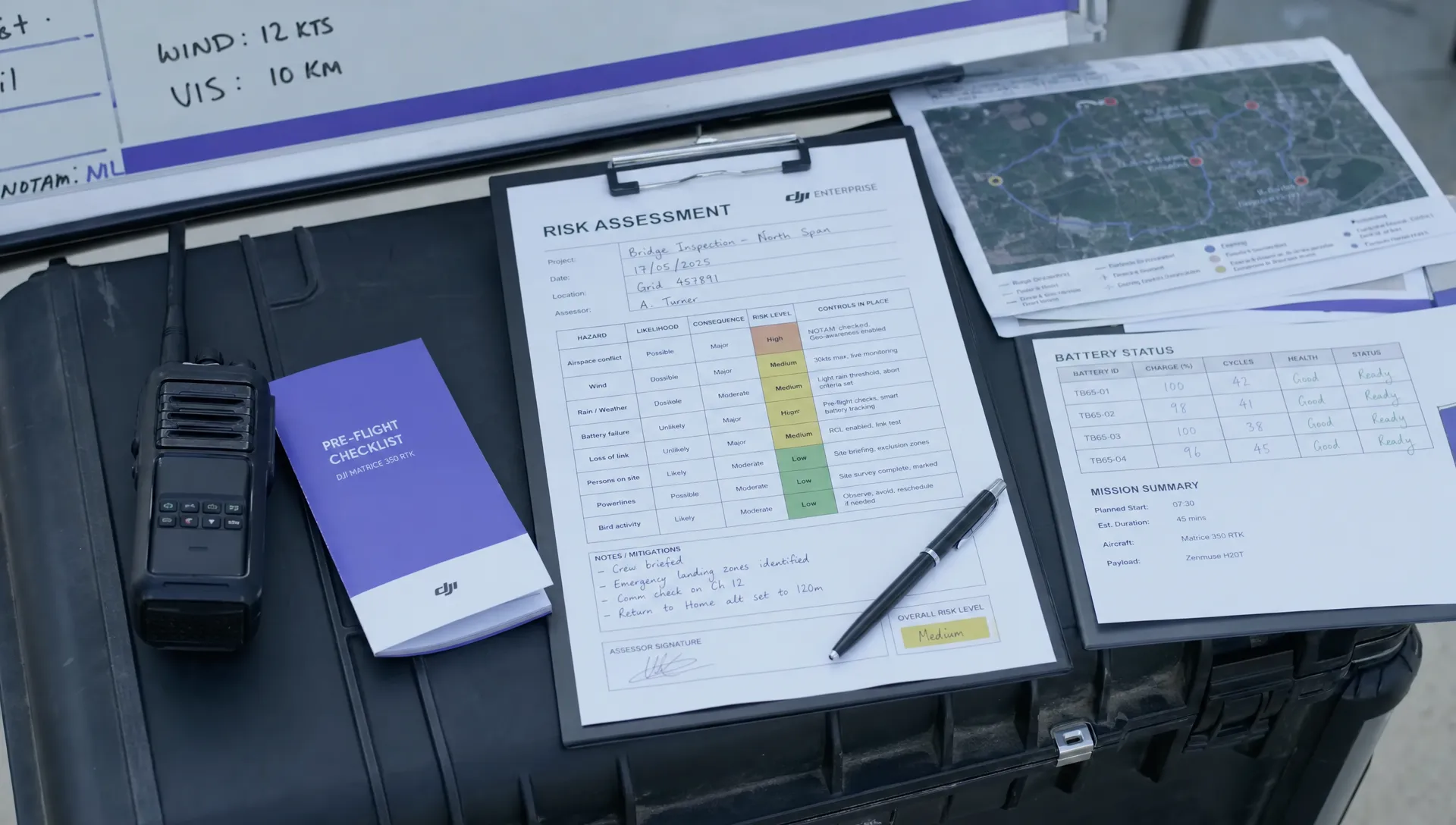 What Drone Safety Culture Looks Like in a Busy Operations Team →
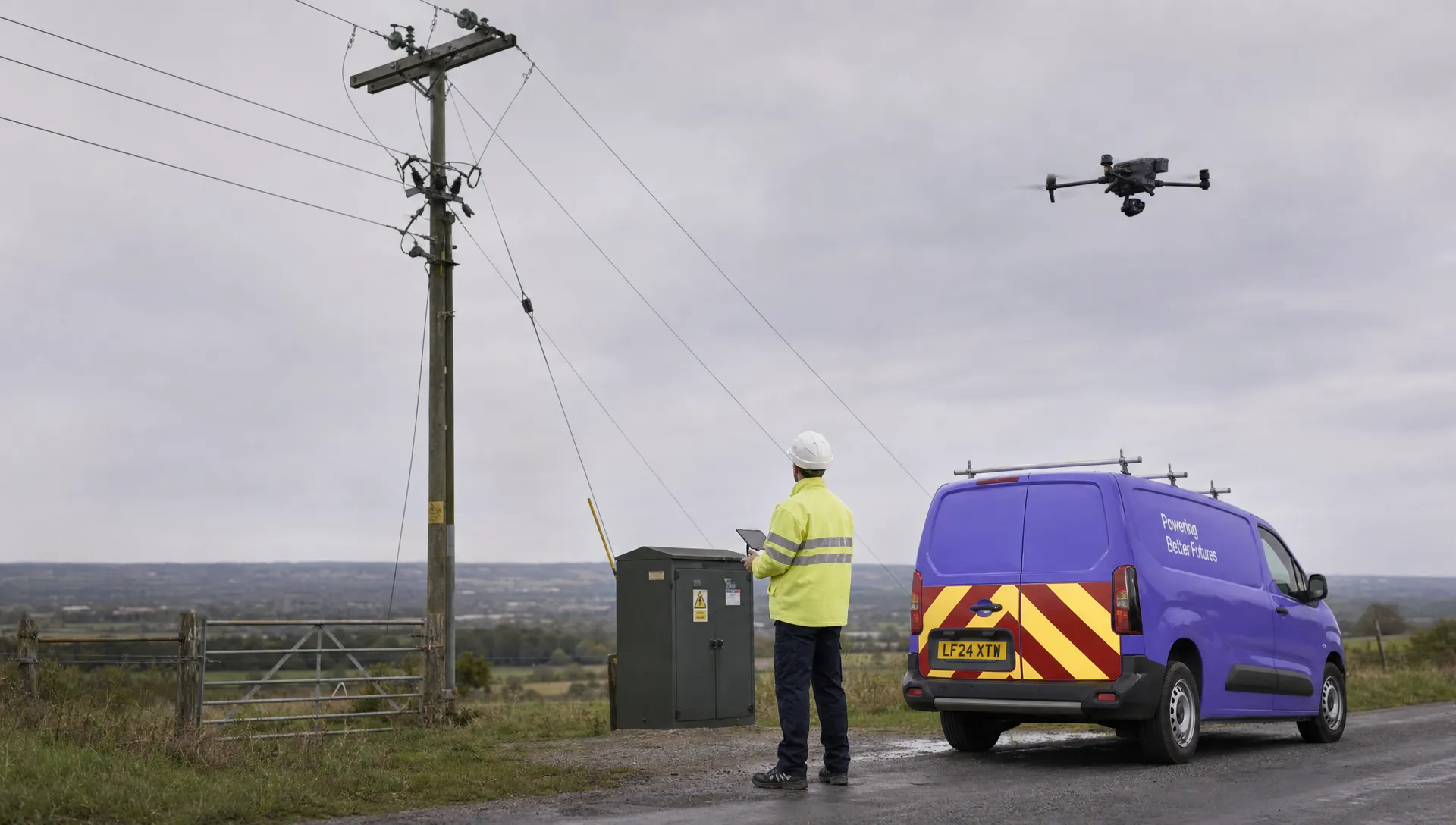 How Utility Drones Fit Into Planned Maintenance Programmes →
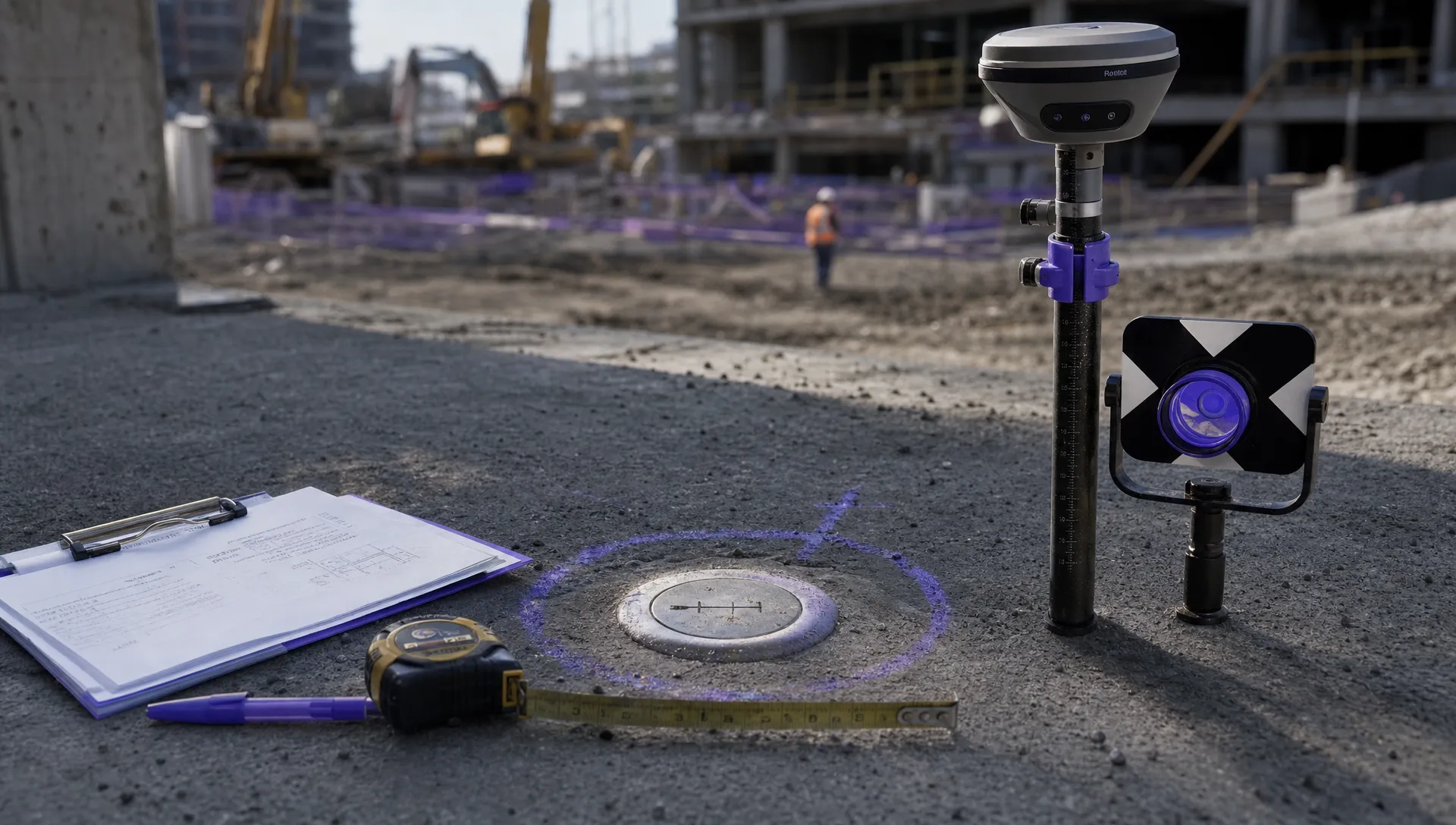 How to Specify Drone Surveying Deliverables Before Hiring →
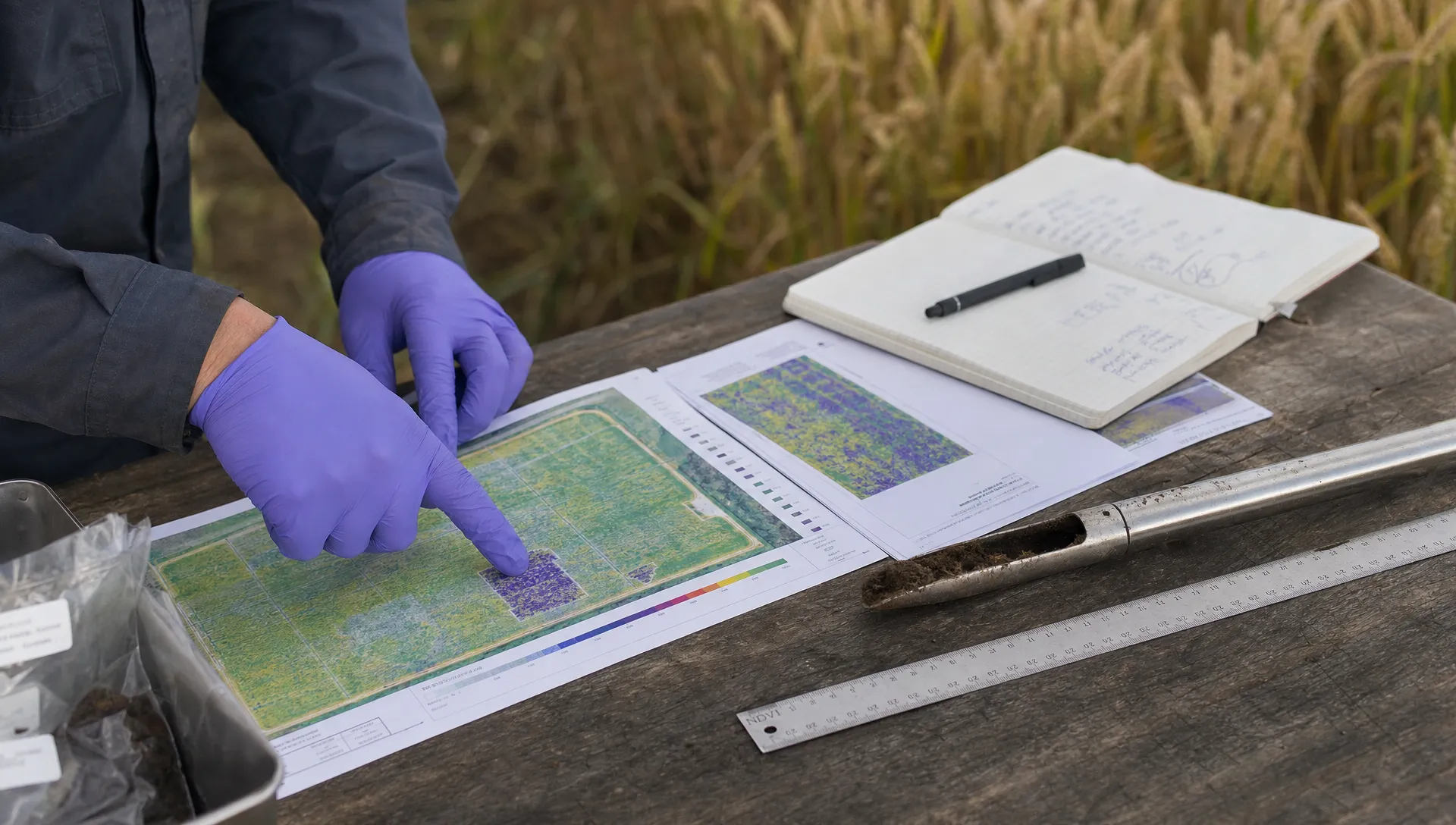 Choosing Drones for Agricultural Use Beyond Crop Spraying →
 9 Drone Applications for Utility Asset Management →
 How to Write a Drone Business Plan That Tests Your Margins →
 How to Choose a Search and Rescue Drone for Rural Operations →