
How to Choose the Best Drone Logbook for Shared Aircraft
The best drone logbook for shared aircraft should let the next pilot establish what happened to an aircraft, whether anything needs attention and who made the latest entry. A tidy list of flight times is not enough when several people use the same equipment.
For survey teams, utility operators and emergency services, the buying decision centres on handovers. Records need to remain connected to the aircraft even when pilots change shifts, contractors leave or a controller is replaced.
Use the criteria below to compare logbooks, then test your shortlist with a realistic shared-aircraft scenario before committing your records to it.
Decide whether you need paper, a spreadsheet or software
Paper and spreadsheets can work when responsibility is clear and access is controlled. Sharing aircraft makes their limitations more noticeable, particularly when several people need the latest service status.
| Format | Where it can work | Main shared-aircraft weakness |
|---|---|---|
| Paper logbook | A small operation with a controlled physical handover | Remote colleagues cannot see new entries immediately |
| Shared spreadsheet | A team with simple records and a named administrator | Links between flights, batteries and defects need careful upkeep |
| Digital logbook | Teams needing shared access and searchable history | Import support, permissions and exports need testing |
| Operations platform | Teams wanting records connected to wider operational work | A longer feature list does not prove the handover process works |
An occasional hobbyist sharing one aircraft may find a controlled paper record adequate operationally. A team swapping aircraft between sites needs a stronger way to keep everyone working from the same information.
What the best drone logbook must connect
Evaluate the underlying records before comparing dashboards. A shared-aircraft system should distinguish the equipment, the people using it and the work performed. Those relationships should survive changes to names, accounts and devices.
Aircraft identity and pilot attribution
Give each aircraft a stable identity, using its serial number or another controlled identifier rather than a nickname alone. Two aircraft called “Survey Drone” should never become indistinguishable in historical records.
Each flight should identify the aircraft and the pilot responsible. Where another person takes control during a flight, test how the system represents that change without counting the same aircraft flight twice. Aircraft utilisation and individual pilot experience are different totals.
Also distinguish the person who flew from the person who uploaded or entered the record. An administrator importing a colleague’s file should not automatically receive credit as the pilot.
Maintenance and battery history
The best drone logbook keeps equipment history useful after the original pilot has moved on. Ask whether you can retrieve defects, inspections and maintenance actions against the same aircraft record.
For batteries, look for individual identifiers rather than a generic “battery used” field. A battery can move between aircraft, so its history should not disappear into one airframe’s notes.
Check what each counter means. A count of flights involving a battery is not necessarily its manufacturer-reported charge-cycle count. Likewise, recorded flight hours do not by themselves establish that an aircraft is fit for use. Inspection findings and unresolved defects need their own treatment.
Job context and supporting records
A flight entry should make sense to someone who was not there. Connect it to the relevant job or task, with enough location information to identify the work without relying on a pilot’s memory.
Ask how supporting documents remain associated with the flight. A link to a planning record is less useful if it later points to a revised version with no indication of what existed at the time.
For a broader purchasing assessment, use this drone fleet management guide alongside the logbook-specific checks here.
Test the handover between two pilots
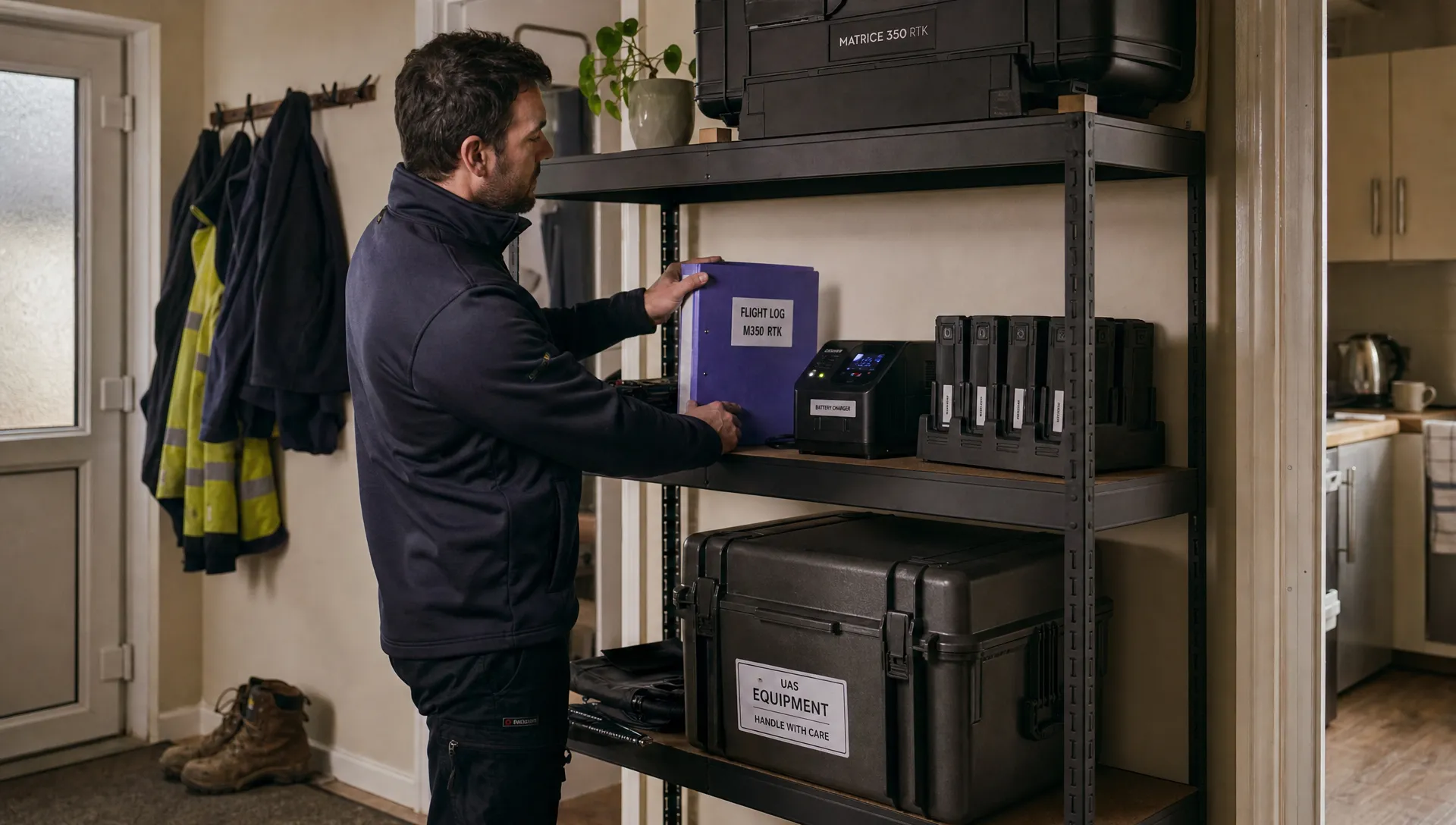
Imagine one pilot completing a morning inspection and another collecting the aircraft for an afternoon survey. The morning pilot notices a damaged propeller, records the defect and returns the equipment.
Can the afternoon pilot see that issue before taking the aircraft away? Does the status appear against the aircraft itself, or only inside a flight note that they would need to search for?
The best drone logbook makes an unresolved issue visible during handover rather than leaving the next pilot to discover it in historical notes. If the software supports availability or service-status controls, test what those controls actually prevent. A coloured label is not the same as a booking restriction.
Check how a defect is closed, too. The record should identify what was done, who recorded the action and when. Correcting a mistake should leave an understandable history rather than silently replacing the original entry.
Separate automatic capture from a complete operational record
Automatic imports can populate flight details, but assess exactly what arrives. An imported record may contain timestamps, duration and positional data while saying nothing about a damaged landing leg or an interrupted task.
Ask the supplier to demonstrate support for your actual aircraft, controller and logging workflow. “DJI support” is too broad to establish whether your particular files and devices work.
The best drone logbook combines useful imported data with a clear way to add operational context. Test duplicate detection by importing the same file twice, then check what happens when a manually entered flight is later matched with an imported record.
Look at timestamps as well. Can you distinguish the flight time from the upload time? How are UTC and local time displayed when teams work across time zones?
If you need to inspect flight telemetry, include Dronedesk’s DJI flight log analysis tool in your evaluation. Flight analysis helps examine what happened during a flight; the operational logbook also needs to preserve responsibility, equipment history and follow-up actions.
Check access, offline work and simultaneous updates
A shared login makes attribution unreliable. Test named user accounts and ask whether access can match responsibilities. A contractor may need to submit records without seeing unrelated client work or changing aircraft service status.
Staff departure is another useful test. Removing a person’s access should not remove their historical flights or replace their name with an unexplained blank account.
For field teams, examine what happens without a connection. Can pilots view the latest downloaded aircraft status, create entries and see which changes have not yet synchronised? A cached record needs a visible age because it may no longer reflect the team’s latest information.
The best drone logbook for a shared team must also handle conflicting updates predictably. Ask what happens when two people edit the same aircraft record while offline. Do not assume that “offline capable” means every function works without connectivity or that conflicts are automatically resolved correctly.
Make exports and retention part of the buying decision
Request a sample export before subscribing. A PDF can be useful for reviewing a report, but it does not necessarily provide a practical way to move records into another system.
Inspect whether the export preserves stable identifiers and relationships. A file containing flight dates and durations may still omit battery assignments, defect actions or the people responsible for changes. Ask separately about attachments and amendment history.
Set a retention policy for your operation rather than accepting a supplier’s default without review. Establish who can delete records, what happens when an account closes and how long you have to retrieve your data after cancellation.
The best drone logbook should let you leave with records that remain understandable. Backups and exports serve different purposes: a supplier’s recovery process does not necessarily give your team an independent, usable archive.
Try opening an export outside the application. Can another colleague connect a flight to the right aircraft and follow an unresolved defect without asking the original pilot? If not, the export has failed an important practical test.
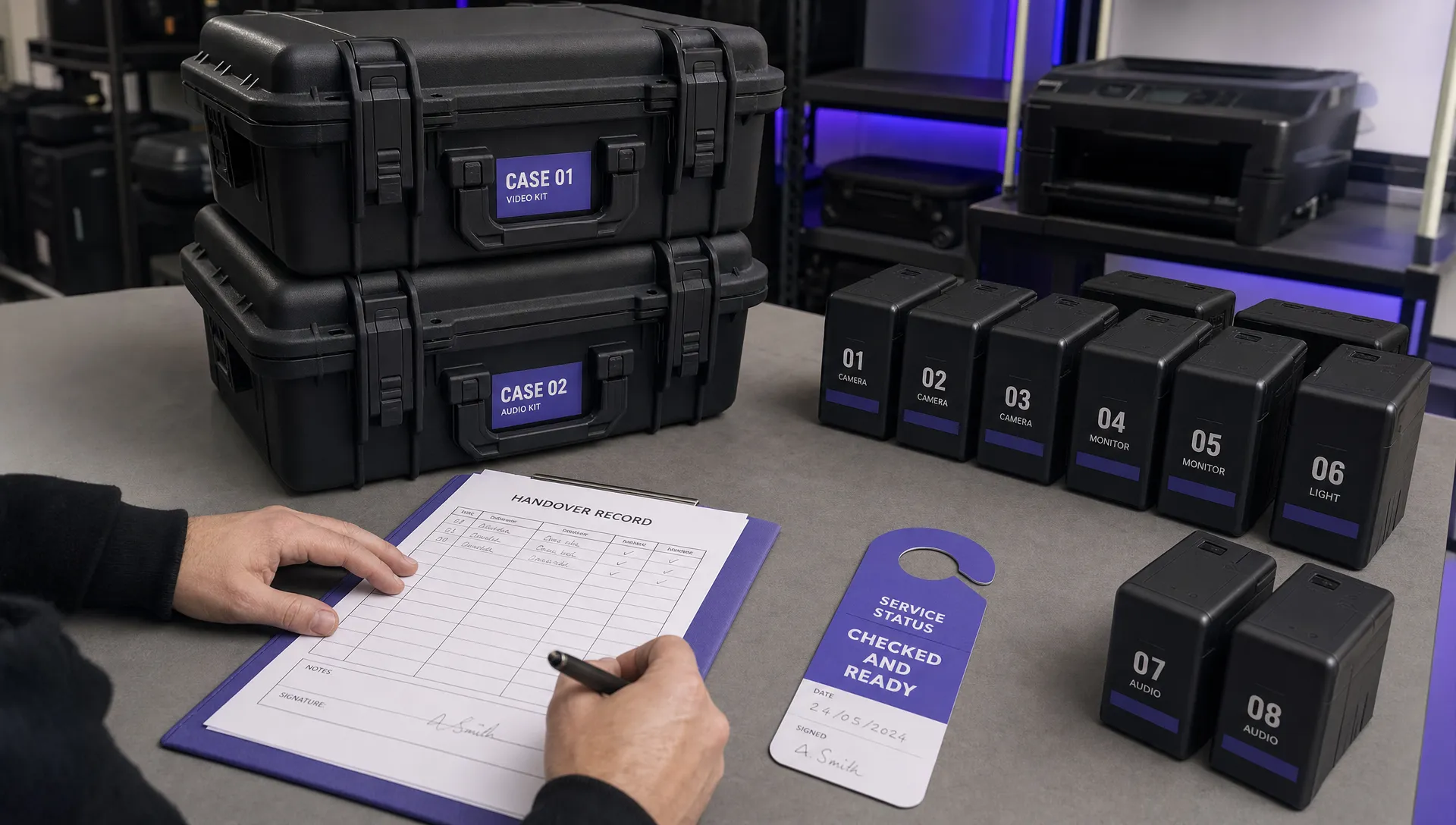
Run a shared-aircraft acceptance test
Use a small set of fictional records or approved test data. Ask suppliers to demonstrate the workflow live rather than answering each requirement with a tick in a comparison sheet.
- Create distinct identities: Add two pilots, one aircraft and two individually identified batteries. Record who is entering the information.
- Record the first flight: Assign the correct pilot, aircraft and battery, then add a task reference and an observation requiring follow-up.
- Perform a handover: Sign in as the second pilot and establish the aircraft’s current status without help from the first pilot.
- Resolve and correct records: Record the follow-up action, correct an intentional entry error and check whether the history remains understandable.
- Remove access and export: Disable the first pilot’s access, then export the records and verify that attribution and equipment relationships remain intact.
Add an offline or duplicate-import test if either is part of your normal work. For emergency services, use a shift-change scenario. Survey companies can test equipment transferred between sites, while utility teams can include a defect reported by a visiting crew.
Choose the best drone logbook based on the tests it passes, not the number of features listed. Treat loss of pilot attribution, hidden defects or unusable exports as reasons to pause the purchase. A polished dashboard does not compensate for those failures.
Keep operational preferences separate from legal requirements
The fields recommended here are purchasing criteria, not a universal legal checklist. Do not assume that a template, an app or a supplier’s compliance statement establishes what records your particular operation needs.
For UK operations, consult the CAA’s official drones information and the documents governing your own activities when deciding what to record and retain. Do not apply US-focused logbook advice to UK operations without checking its relevance.
Once you have established your requirements, ask the supplier to demonstrate how you would meet them. Keep your organisation’s operating procedures separate from assumptions about what the software does automatically.
Frequently asked questions
Can two pilots use the same aircraft logbook? Yes, provided each flight remains attributable to the correct person and both pilots can access the equipment information they need. Shared aircraft records should not require shared login credentials.
Is a paper logbook enough for shared aircraft? It can work operationally where the physical record stays with the equipment and handovers are controlled. Remote teams and simultaneous users make access harder. Assess legal requirements separately for your operation.
Should pilot hours and aircraft hours match? Not necessarily. Several pilots may use one aircraft, and control may change during a flight. Check how the system calculates each total so it does not double-count aircraft utilisation or misattribute pilot time.
Does automatic flight logging replace manual entries? Not completely. Imported files may supply flight data, but defects, maintenance actions and task context may require separate entries. Test what your actual files contain rather than relying on a general automation claim.
Take your handover scenario to the next demo
The best drone logbook for shared aircraft is the one your team can trust at the next handover and still understand after staff or software changes.
Compare Dronedesk’s published features with your acceptance tests, then ask for a demonstration using your aircraft-sharing workflow. Confirm the capabilities that matter to your operation, including any import, access and export requirements, before deciding. Keep a copy of the test results so the purchase rests on demonstrated behaviour rather than assumptions.
 How to Choose the Best Drone Logbook for Shared Aircraft →
 How to Find and Read the FAA BVLOS ARC Report →
 FAA Drone Registration Rules When Transferring Company Assets →
 Remote Pilot Competency Evidence for Utility Procurement Teams →
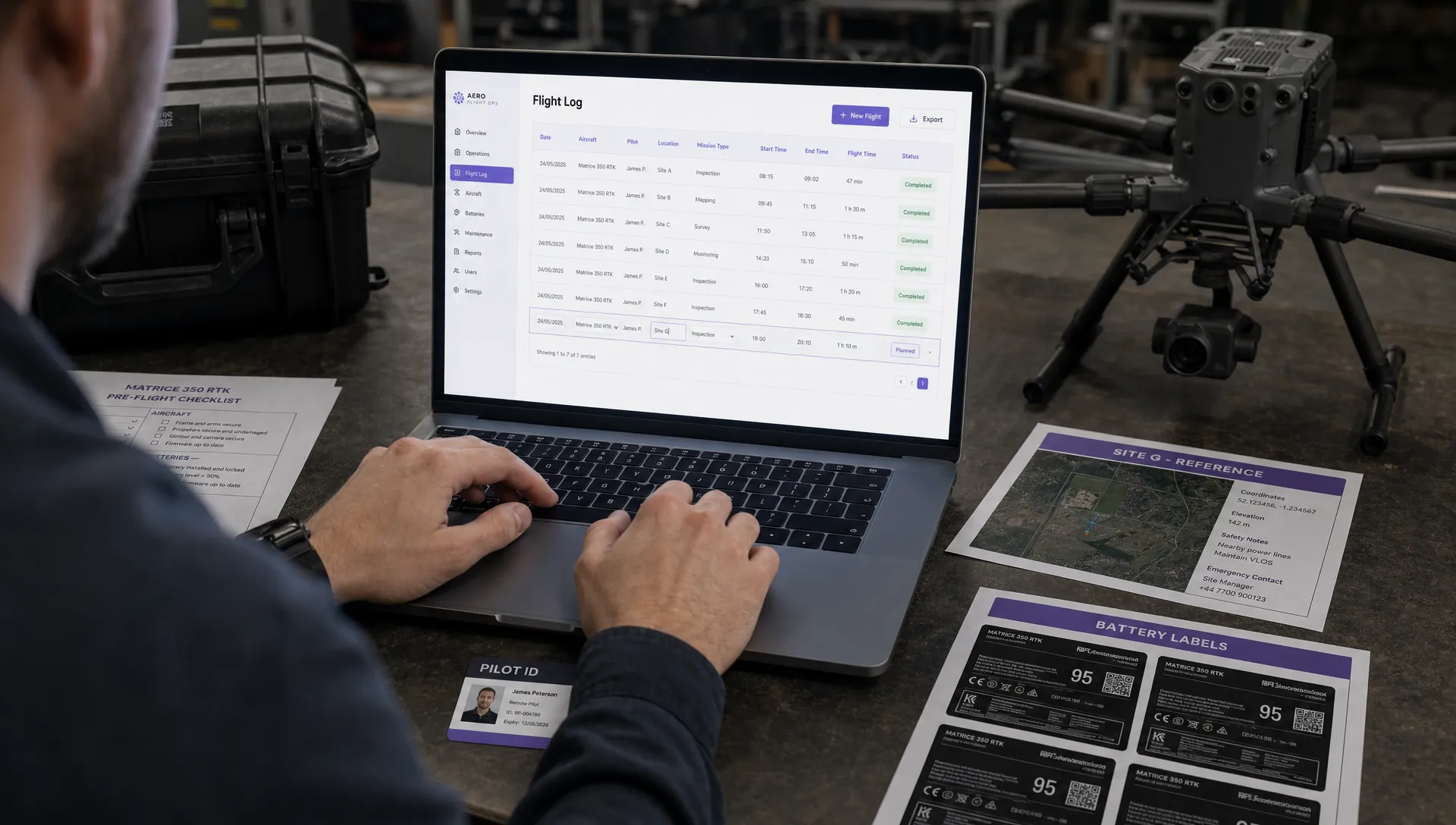 Drone Flight Log Fields to Standardise in Excel Across Teams →
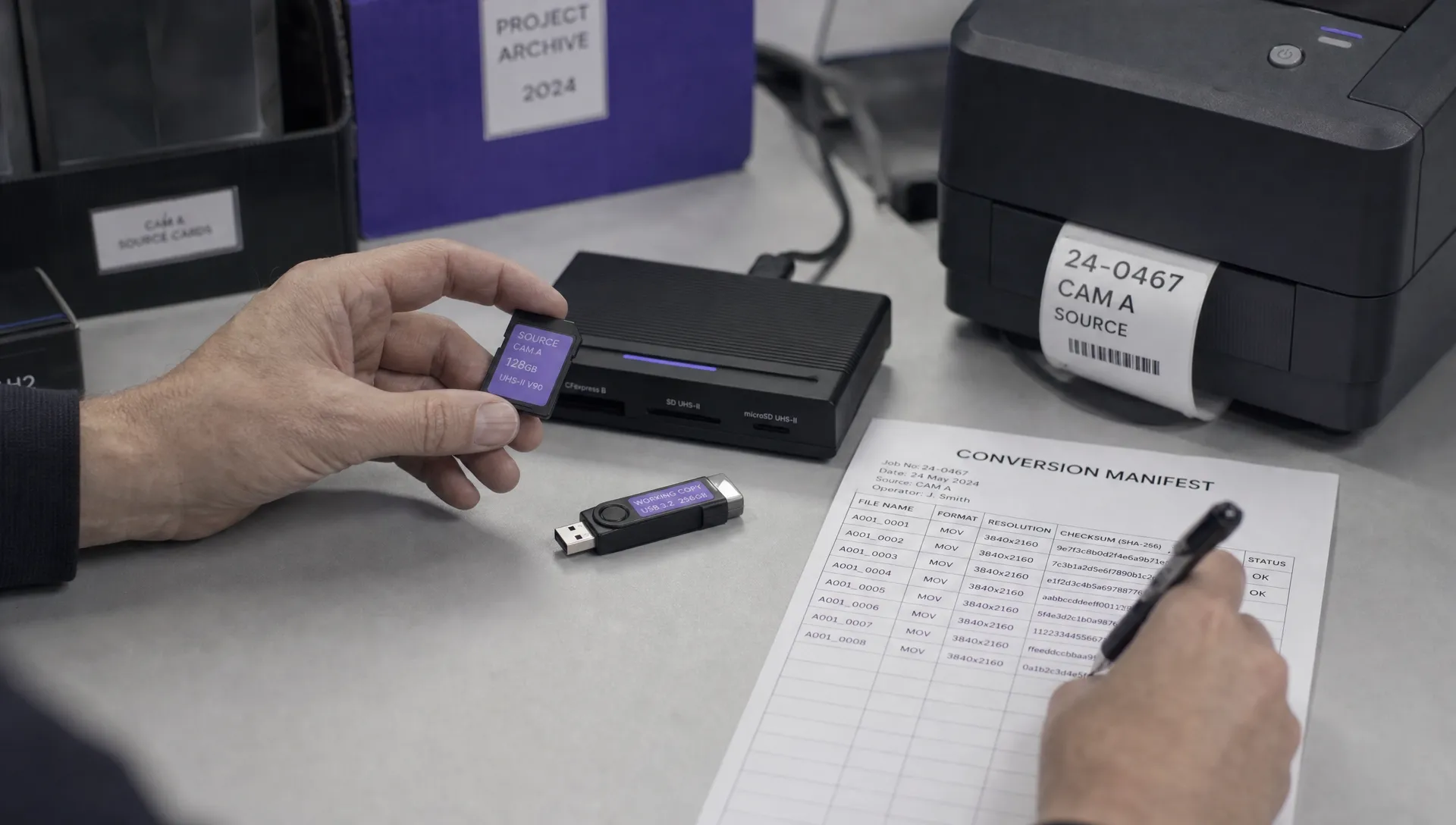 How to Preserve Original Data With a DJI Flight Log Converter →
 Beyond Visual Line of Sight Drone Operations and Observer Roles →
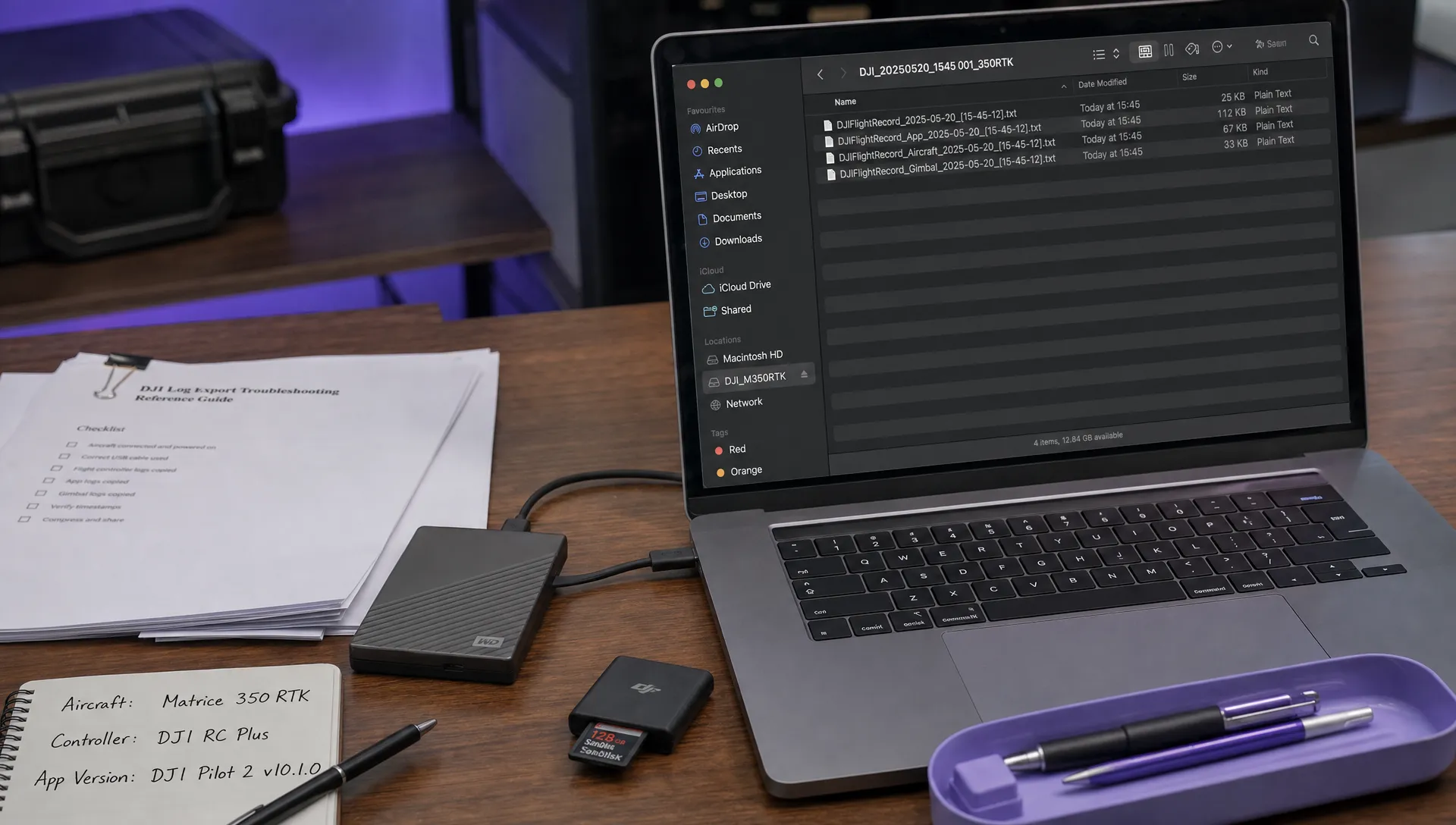 How to Troubleshoot a DJI Log Export That Will Not Open →
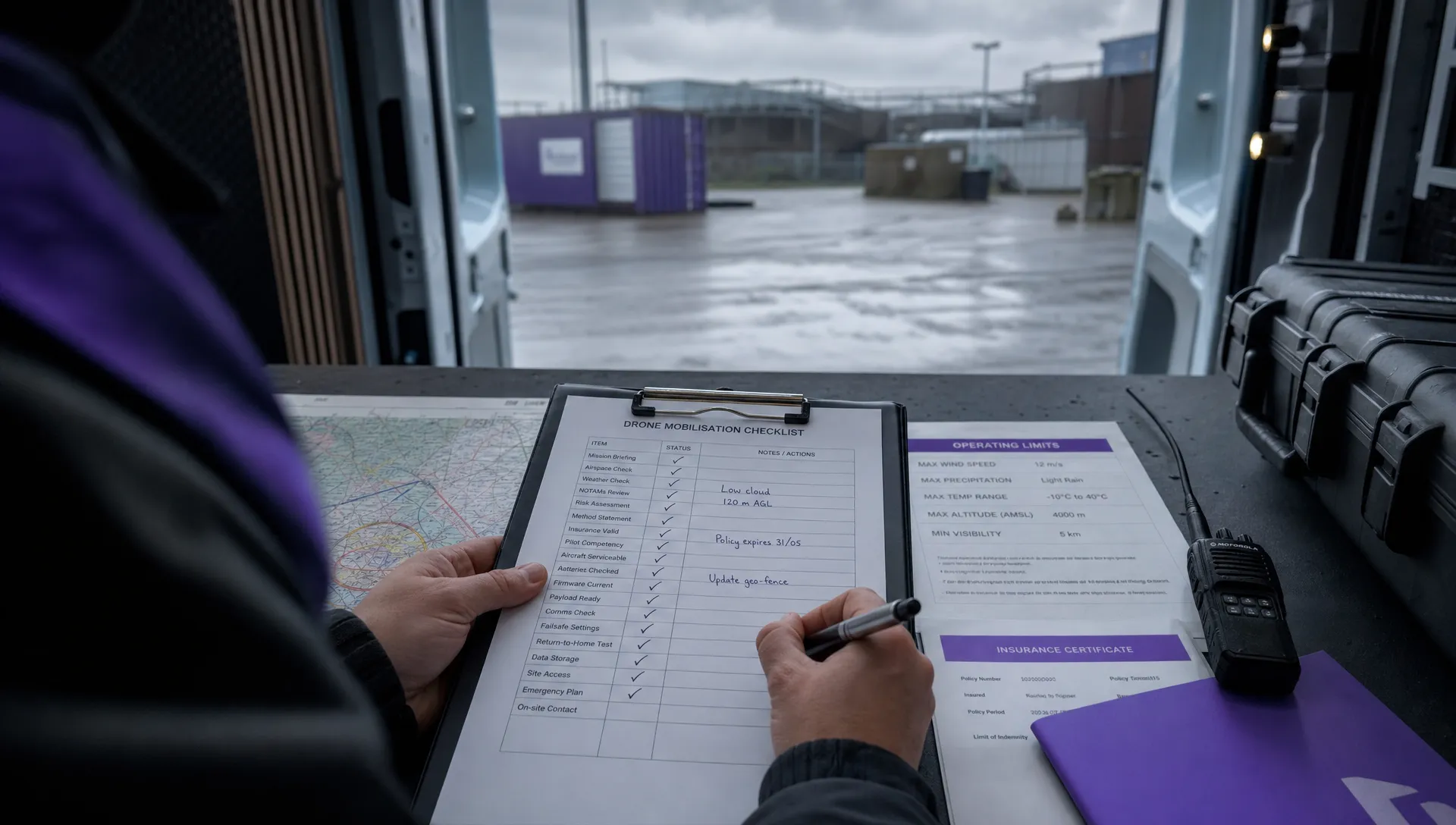 Drone Pilot Regulations for Visiting Overseas Contractors →
 Drone Laws Near Airports for Repeat Inspection Contracts →