
Drone Airspace Rules: How to Document Your Site Checks
Site checks sit at the point where planning, safety and accountability meet. If your team works under UK CAA permissions, FAA Part 107, EASA rules or a client-specific operating procedure, drone airspace rules are only useful if you can show how you checked them for the actual site, date, time and aircraft involved.
This guide focuses on documentation, not legal interpretation. Regulations change, local restrictions can be temporary and client sites often add their own constraints. Treat the process below as a practical record-keeping framework, then verify the current legal position against official sources before every flight.
Why documentation matters as much as the check itself
A site check that lives only in a pilot's memory is difficult to defend. If the job is challenged by a client, an internal safety manager, an airport operator or a regulator, your record needs to show what information was used, when it was checked and why the final plan was considered acceptable.
Good drone airspace rules documentation is not bureaucracy for its own sake. It creates a repeatable trail of decisions, which is especially important for survey companies, utility inspection teams and emergency services that may operate across many sites with different hazards and approval routes.
Regulators frame these duties differently. In the UK, operators should refer to the CAA drone guidance. In the United States, the FAA explains requirements through its Part 107 small UAS regulations. In Europe, EASA provides an overview of European drone regulations, with national authorities publishing local details such as UAS geographical zones.
What counts as a documented site check?
A complete drone airspace rules site check should record both the source information and the operational decision made from it. A screenshot alone may be useful evidence, but it is not enough if it lacks context, timestamps or a clear link to the flight plan.
Think of the record as an evidence pack for one operation. It should be easy for someone else in the organisation to understand the location, the intended activity, the applicable restrictions, the permissions obtained and the person who approved the plan.
| Check item | What to record | Why it matters |
|---|---|---|
| Site identity | Client, site name, coordinates, map boundary and take-off area | Prevents confusion between similar sites or repeat visits |
| Operation details | Date, time window, aircraft, pilot, observer and task | Links the airspace check to the real operation |
| Source used | Official regulator pages, airspace data source, NOTAM source or client restriction document | Shows where the decision came from |
| Airspace result | Controlled airspace, restricted areas, temporary restrictions, UAS geographical zones or local limits where applicable | Captures the rule set affecting the site |
| Permissions | Authorisation reference, email, named contact, conditions and expiry | Proves approval was sought where required |
| Decision | Proceed, proceed with conditions, re-plan or do not fly | Turns information into an accountable operational outcome |
| Sign-off | Name, role, date and time of approval | Creates ownership for the final plan |
A workflow for documenting drone airspace rules
Define the operation before checking maps
Your drone airspace rules workflow should start with a clear description of the job. A map check without an operational context can be misleading because the answer may change depending on height, date, route, aircraft, pilot competency, regulatory category and whether the flight is routine or urgent.
Record the purpose of the flight, the exact site boundary, the expected operating volume, the launch and recovery points and any likely contingency landing areas. For linear infrastructure such as power lines, pipelines, railways or roads, avoid documenting only the first take-off point. The airspace picture can change along the route.
Check the authoritative airspace position
For every drone airspace rules check, keep a note of the source, the timestamp and the result. If you use a planning platform or map layer, record enough detail to recreate the check later. If the operation is in controlled airspace, near an aerodrome, in a restricted area or affected by a temporary restriction, the record should say what permission route applies and whether the operation remains within any conditions.
Do not rely on a saved map from a previous job unless you have revalidated it. Temporary restrictions, events, emergency activity and local operating conditions can change quickly. The same industrial site may be straightforward on one day and unsuitable on another because of a temporary restriction or a revised client safety requirement.
Capture proximity hazards alongside airspace
Airspace compliance is only one part of the site picture. Your documentation should also capture nearby people, roads, railways, buildings, overhead lines, masts, sensitive facilities and other aircraft activity where relevant.
This matters because many operational decisions are driven by the relationship between the airspace and the ground environment. A utility inspection beside a road, a public safety flight near a cordon and a construction survey close to a heliport all require a different level of planning evidence.
Record permissions, notifications and conditions
A useful drone airspace rules record does not simply say permission obtained. It should identify the granting body or contact, the approval reference if one exists, the date and time of approval, the scope of the approval and any conditions attached to it.
Conditions are often where mistakes happen. If an approval limits height, time, area, aircraft, contact procedures or communications, those conditions should be copied into the flight brief and checklist. If permission is verbal, record who gave it, their role, when the conversation took place and what was agreed.
Brief the team and freeze the plan
Before the flight, the pilot and any supporting crew should review the documented check and confirm that the site still matches the plan. If the on-site reality differs from the desktop planning, record the change and the decision made.
For example, a new crane, unexpected crowd, emergency service activity or closed access route may not change the legal airspace status, but it can change the operational risk. The final record should show whether the plan was continued, amended or abandoned.
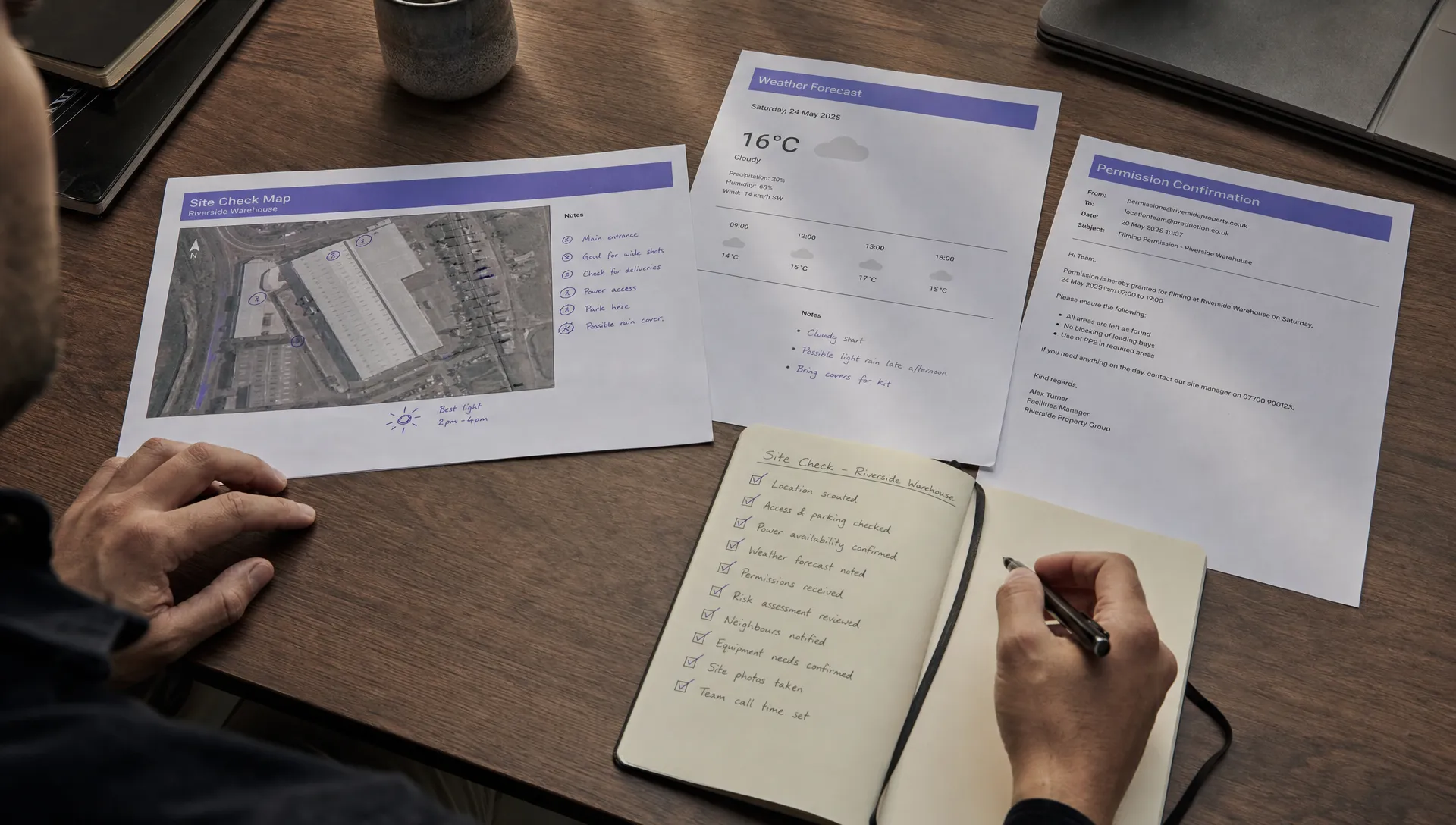
What to keep in your airspace evidence pack
For recurring clients, your drone airspace rules evidence pack should be consistent enough that different pilots produce the same quality of record. That does not mean every job needs a huge report. It means the core evidence is predictable, easy to review and stored with the flight record.
Use a standard structure for each operation. This helps managers spot missing approvals before the flight and helps pilots avoid rebuilding the process from scratch under time pressure.
| Evidence type | Examples to retain | Practical note |
|---|---|---|
| Location evidence | Map screenshot, coordinates, site boundary, launch point and operating area | Include timestamp and data source where possible |
| Regulatory evidence | Applicable category, known restrictions and relevant official guidance checked | Link to the source rather than relying only on memory |
| Permission evidence | Authorisation email, approval reference, contact notes and operating conditions | Store the permission with the job, not in a personal inbox only |
| Operational evidence | Flight plan, crew roles, contingency plan and pre-flight checklist | Make sure conditions are visible to the pilot |
| Change evidence | On-site amendment, delay, cancellation or re-plan note | Record why the decision changed |
| Post-flight evidence | Flight log, incident note if any and confirmation the operation stayed within the plan | Keep the completed record together |
Make the record audit-ready
Use controlled sources and timestamps
Strong drone airspace rules documentation separates live checks from stale information. If a screenshot is part of the record, it should show the date and time or be accompanied by a note that provides them. If the source is an official regulator page, save the link and note the date checked.
This is particularly important for teams running high volumes of similar flights. A copied planning pack can look complete while still containing yesterday's assumptions. Build the habit of recording revalidation, not just initial planning.
Separate assumptions from approvals
There is a major difference between assuming a flight is acceptable and holding an approval that confirms it. Your documentation should make that distinction visible.
Use plain language. For example, site reviewed and no additional authorisation identified is different from authorisation granted by named body for this time window. That clarity helps reviewers, clients and pilots understand what still needs to happen before the aircraft is powered on.
Link airspace checks to the risk assessment
Airspace findings should flow into the operational risk assessment. If the site is near other air users, constrained by nearby infrastructure or subject to permission conditions, those facts should appear in the risk controls and the crew brief.
For operations using SORA-based approaches, refer to current official material such as the JARUS SORA publications or, for UK Specific category work, the CAA's UK SORA acceptable means of compliance.htm). For a practical structure, Dronedesk also has a guide on how to build a drone flight risk assessment that works.
Using software without losing accountability
Software cannot make legal decisions for you, but it can make drone airspace rules documentation more consistent. The key is to use software as the system of record, while still requiring competent human review and sign-off.
Dronedesk is an all-in-one web platform for drone operators. As set out on the Dronedesk features page, it includes client management, fleet management, team management, airspace intelligence, proximity intelligence, flight planning, flight logging, data reporting, configurable checklists and risk assessments. Used together, those features can help keep the airspace check, site context, checklist, risk assessment and flight record connected to the same operation.
Post-flight evidence matters too. If you need to inspect what happened during a DJI flight and compare it with the planned operation, the DJI flight log analysis tool can support that review as part of your wider record-keeping process.
Common mistakes to avoid
Most weak drone airspace rules records fail because they prove that someone looked at a map, but not that the operation was properly assessed. The fix is usually simple: add context, source details and a clear decision.
Avoid these common gaps:
- Saving screenshots without date, time, source or site boundary
- Reusing an old site pack without recording a fresh check
- Keeping permissions in a personal inbox instead of the job file
- Recording approval but not the conditions attached to it
- Treating airspace as separate from the risk assessment
- Failing to document on-site changes before flying
- Logging the flight but not linking it back to the plan
A good record does not need to be long. It needs to be specific, current and easy to follow.
Frequently Asked Questions
How often should I repeat an airspace site check? Repeat the check close enough to the flight that temporary restrictions, permissions and local conditions are still current. Many operators perform an initial planning check, then revalidate before travel or before take-off, depending on the risk profile and company procedures.
Is a screenshot enough evidence of compliance? Usually not on its own. A screenshot is stronger when paired with the source, timestamp, coordinates, planned operating area, decision made and name of the person who reviewed it.
What should I do if the site changes on the day? Pause and reassess. If the change affects the operating area, permissions, crew safety or proximity hazards, update the record before flying. If the operation no longer fits the approved plan, re-plan or do not fly.
Do small Open category or low-risk flights need the same level of documentation? The level of detail should match the operation and jurisdiction, but even lower-risk flights benefit from a basic written record. Site, source, time checked, result and pilot sign-off are often enough for simple work.
Who should sign off a drone airspace rules check? That depends on your organisation and approval structure. At minimum, the remote pilot should understand and accept the final plan. For higher-risk, client-critical or Specific category operations, a nominated operations manager or competent reviewer may also need to approve it.
Bring site checks into one accountable workflow
Documenting site checks is not about creating paperwork to store and forget. It is about giving every flight a clear, reviewable trail from initial planning through permissions, risk assessment, briefing, flight logging and post-flight review.
When those records are consistent, teams spend less time chasing missing evidence and more time making good operational decisions. For commercial operators, survey companies, utility teams and emergency services, that consistency is what turns airspace checking from a last-minute task into a reliable safety habit.
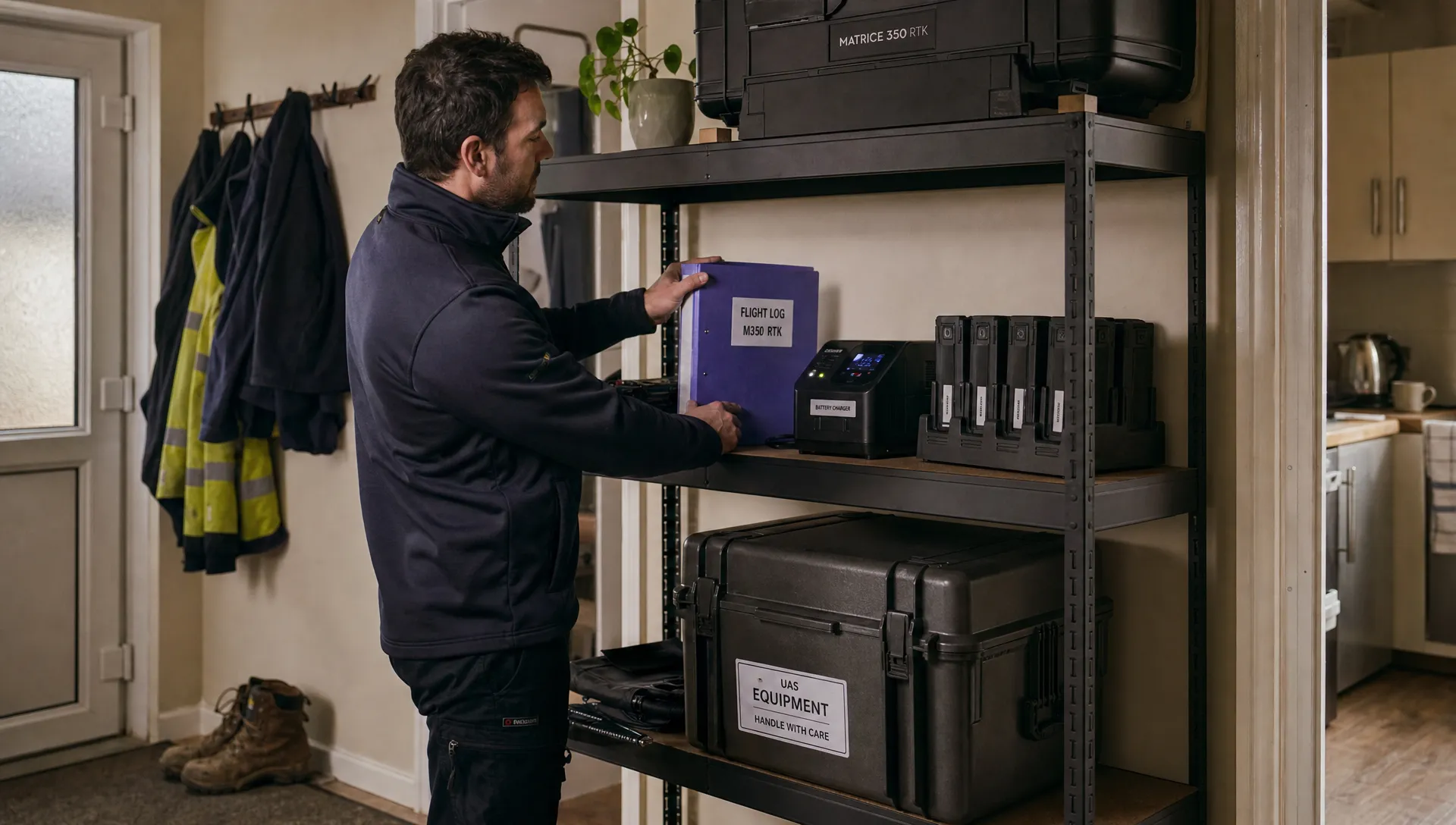 How to Choose the Best Drone Logbook for Shared Aircraft →
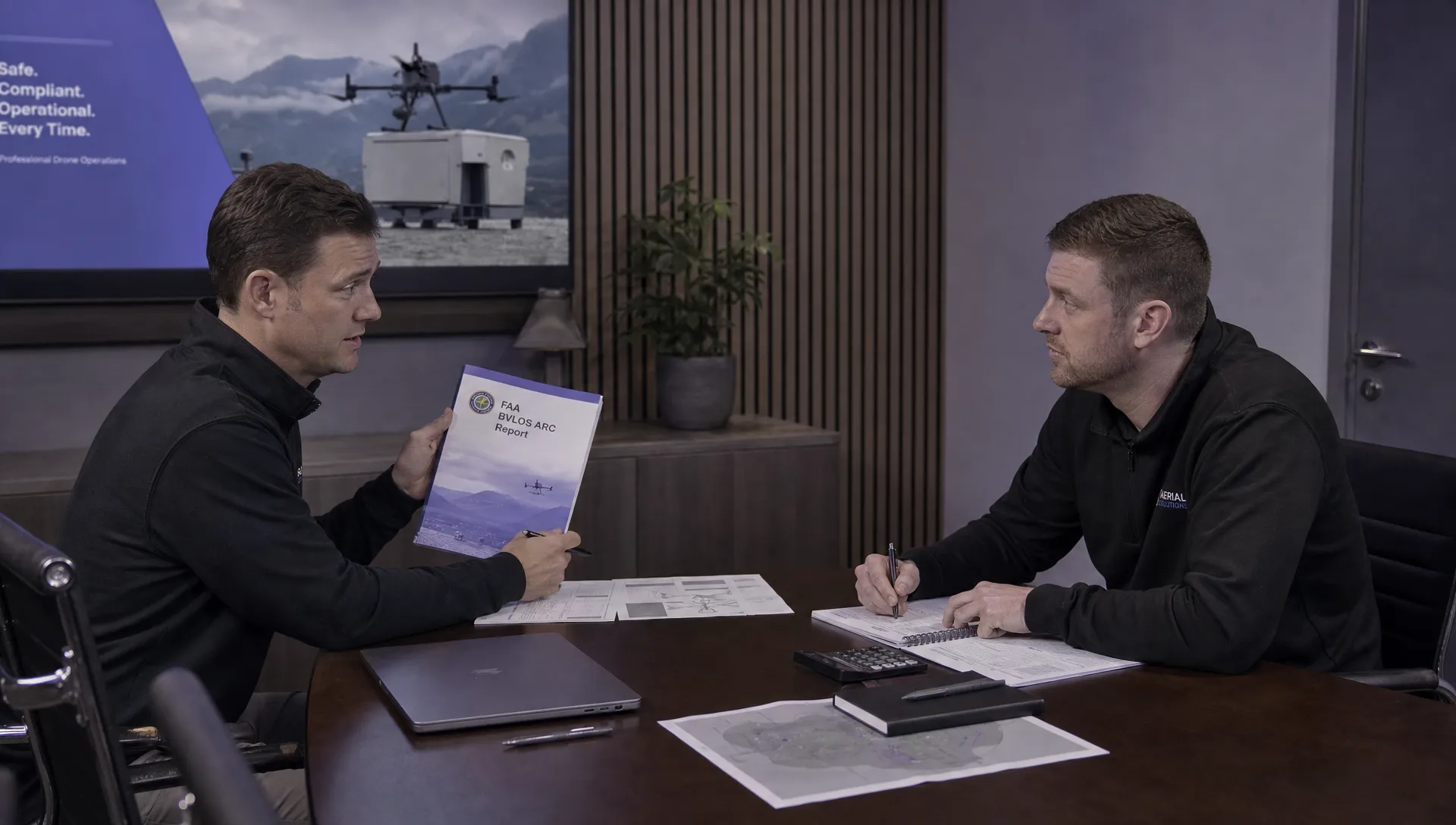 How to Find and Read the FAA BVLOS ARC Report →
 FAA Drone Registration Rules When Transferring Company Assets →
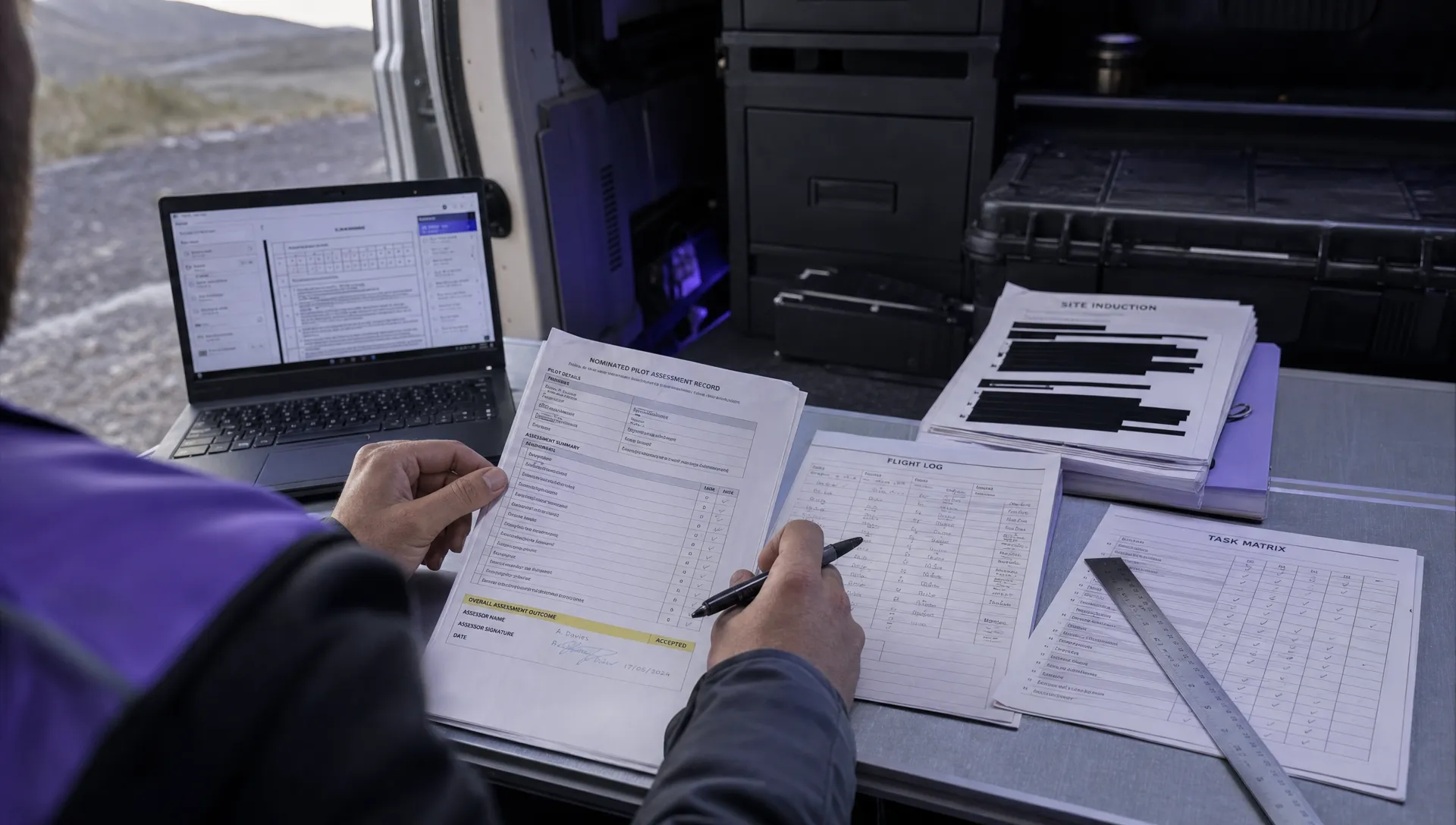 Remote Pilot Competency Evidence for Utility Procurement Teams →
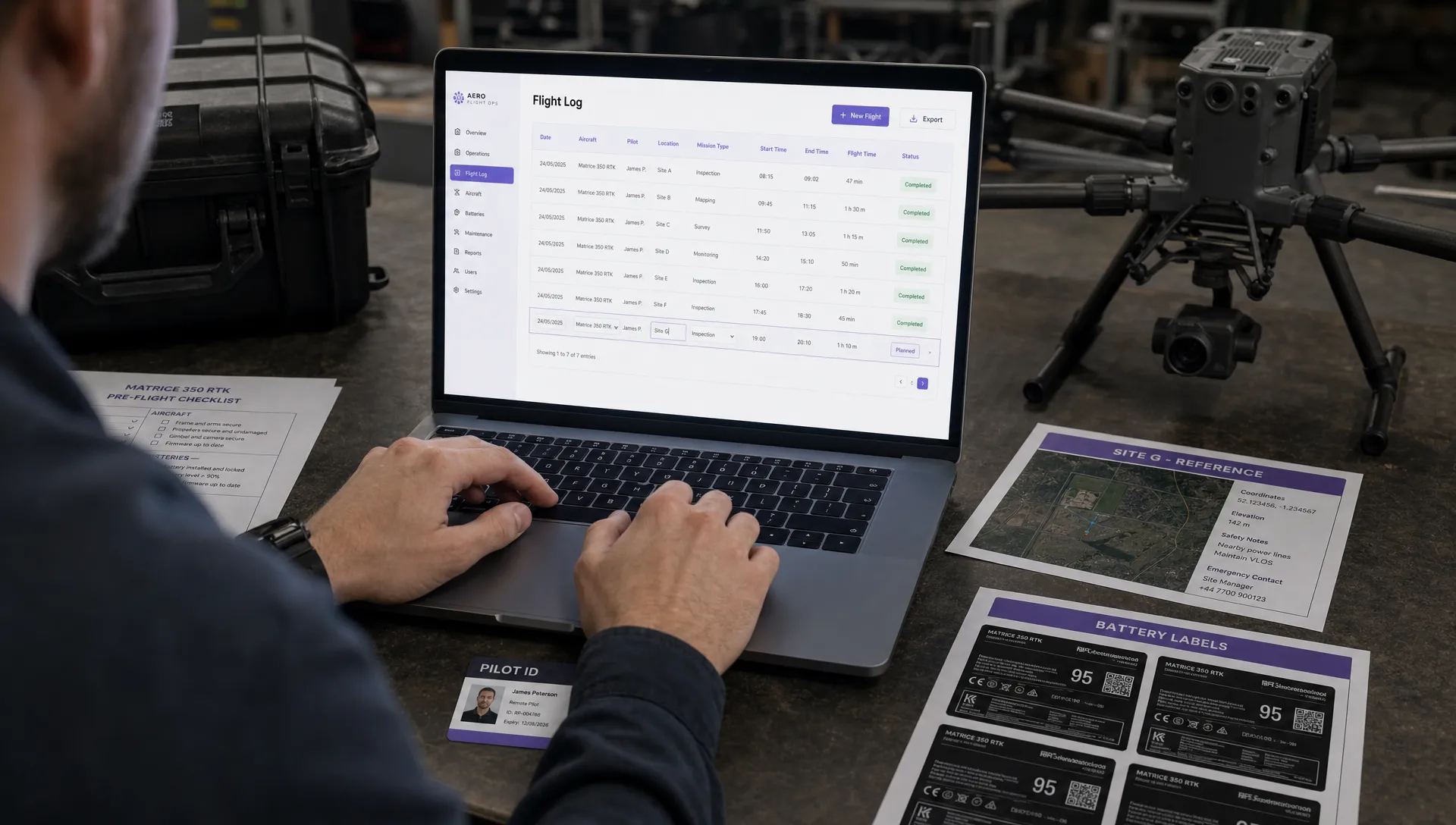 Drone Flight Log Fields to Standardise in Excel Across Teams →
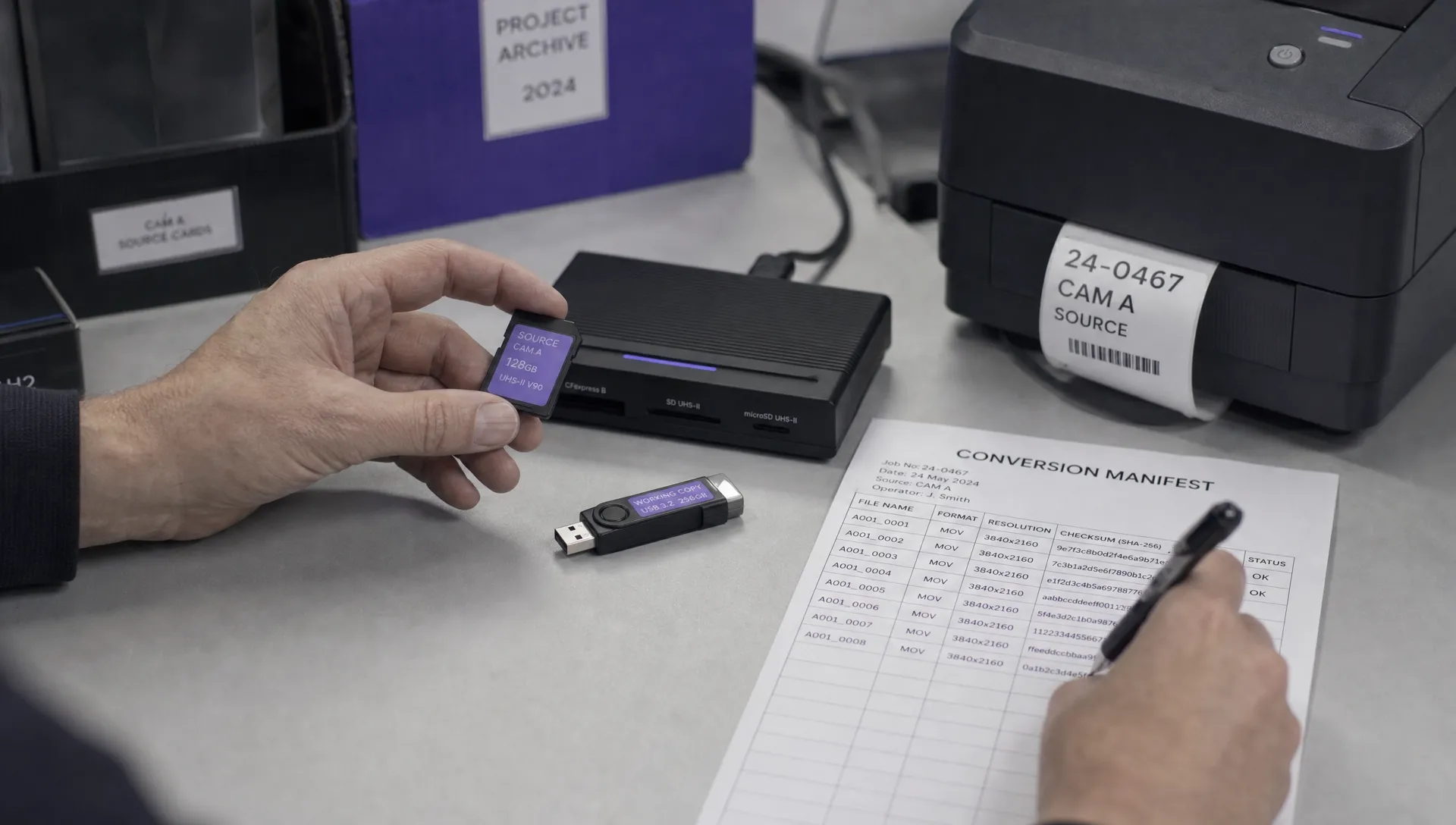 How to Preserve Original Data With a DJI Flight Log Converter →
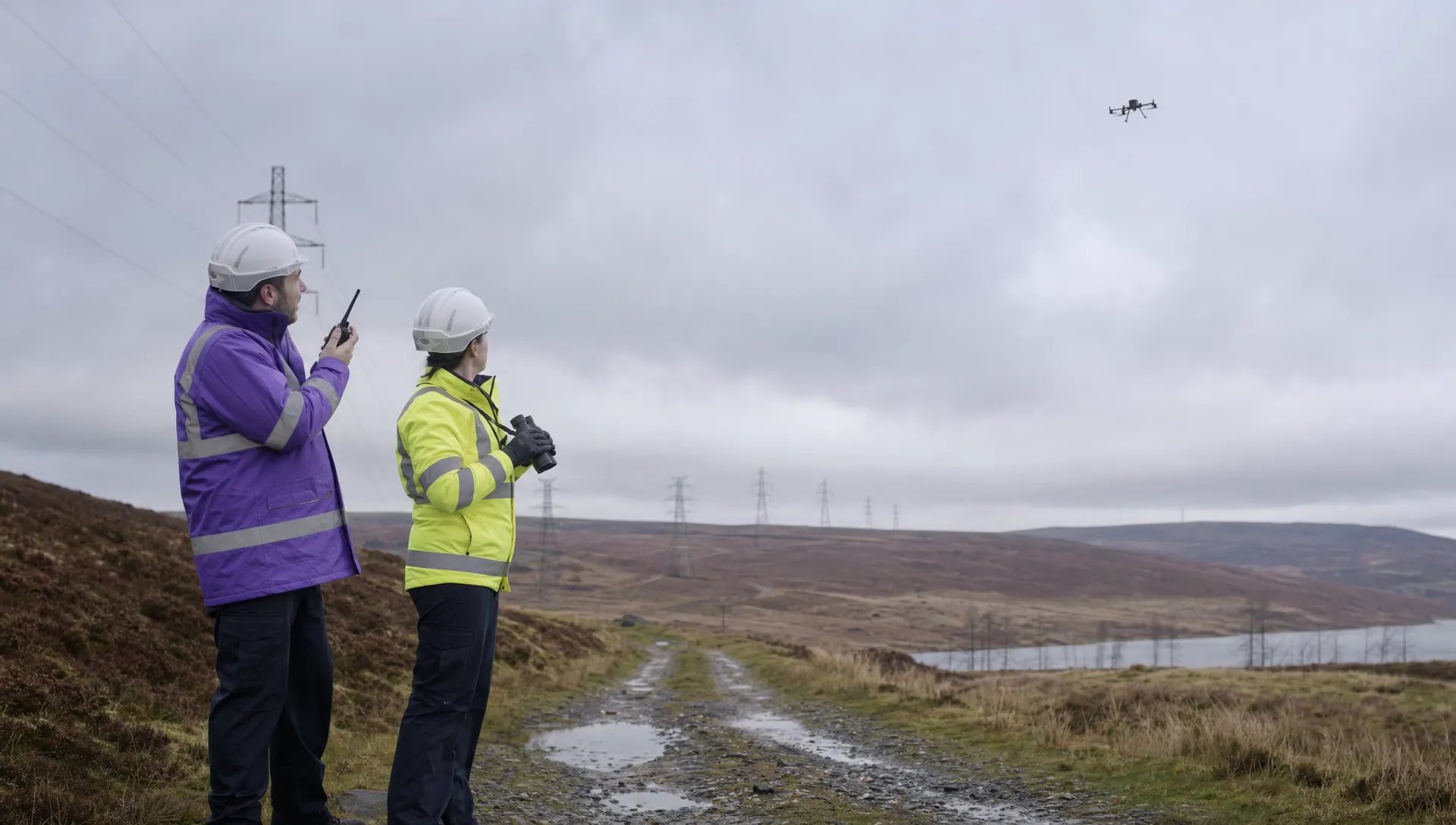 Beyond Visual Line of Sight Drone Operations and Observer Roles →
 How to Troubleshoot a DJI Log Export That Will Not Open →
 Drone Pilot Regulations for Visiting Overseas Contractors →
 Drone Laws Near Airports for Repeat Inspection Contracts →