
Drone Flight Software: A Buyer’s Guide for Multi-Site Work
Choosing drone flight software for multi-site work is less about finding the longest feature list and more about keeping separate jobs, crews and aircraft coordinated. A platform that works well for one pilot at one location may become awkward when several teams need different site instructions, shared equipment and reliable handovers.
This guide focuses on those pressure points. Use it to define your requirements, test suppliers against a realistic operating scenario and compare costs without assuming that every product handles mission execution, operational administration and data processing equally well.
Separate flight control from operational management
The term covers several software categories. Before comparing suppliers, establish which part of your workflow you need to improve.
Mission execution software supports activities such as creating flight paths, setting capture parameters and executing supported missions through compatible aircraft and controllers. Compatibility needs checking against the exact aircraft, controller, firmware and mission type you use.
Operations management software handles the work surrounding a flight: jobs, clients, crew allocation, equipment records, planning documentation and flight records. For distributed teams, this is where questions about ownership, access and handovers become particularly important.
Processing software turns captured data into outputs such as orthomosaics, point clouds or inspection deliverables. Our drone mapping software comparison guide covers that separate buying decision.
Your drone flight software shortlist should reflect the gap you are trying to close. If aircraft control is satisfactory but site information lives in scattered emails, replacing the mission app may not solve the underlying problem.
Ask suppliers to identify what their product handles directly, what requires another application and what involves manually transferring information. A clear boundary is more useful than a claim to cover everything.
Evaluate drone flight software against your multi-site workflow
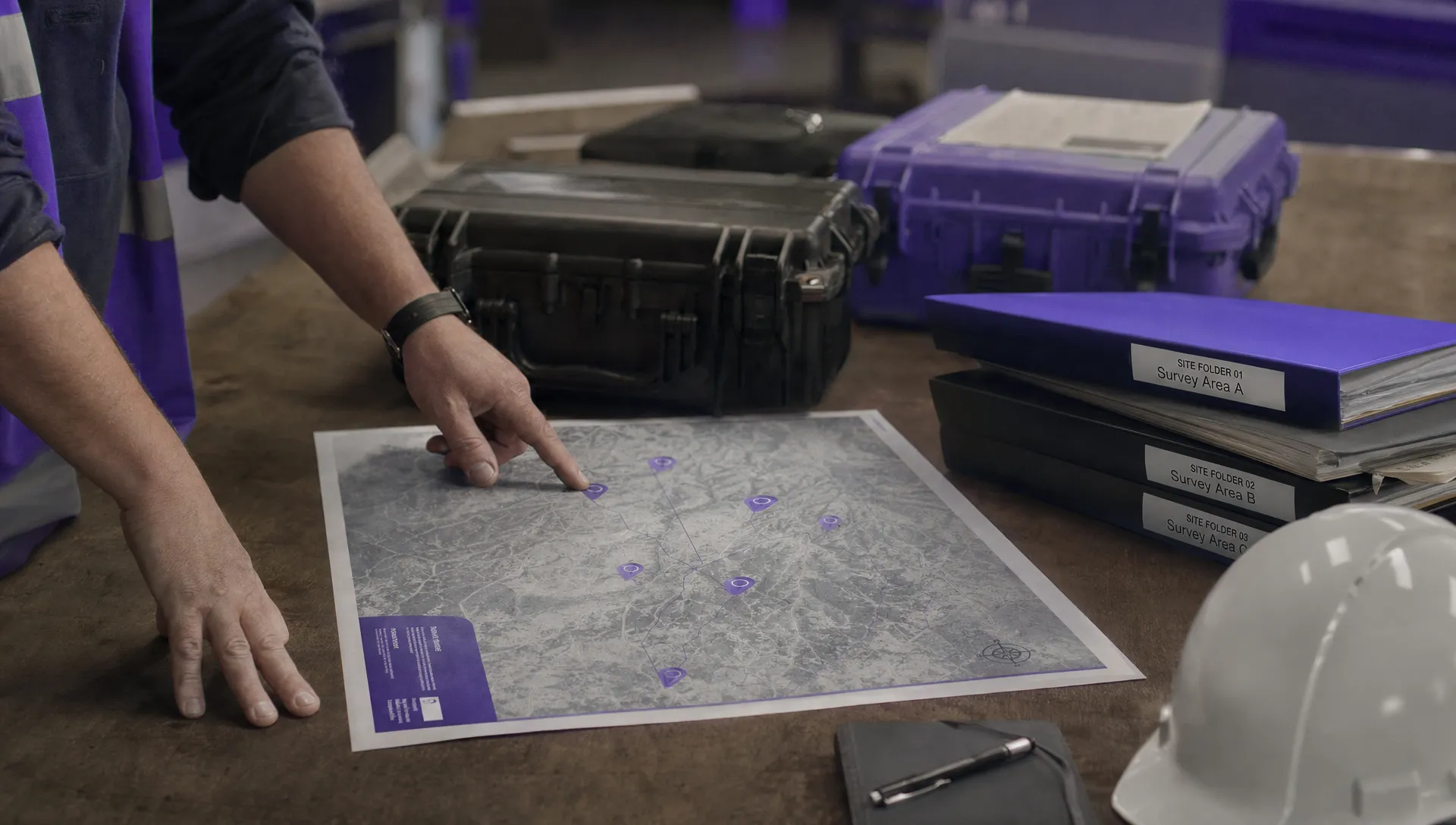
Start with a short requirements document based on real jobs, not a supplier’s menu of features. Describe the number of simultaneous sites, the people involved and the information each person needs before departure, on arrival and after the work finishes.
Distinguish recurring locations from one-off assignments. A utility team revisiting the same assets needs a different record structure from a survey business opening new projects every week. Emergency services may put greater weight on short-notice task creation and rapid handovers.
Define what must remain separate between sites and what should be shared centrally. Client contacts and local access instructions belong to a particular job or location. Aircraft availability and team information may need visibility across the operation.
The strongest drone flight software trial follows this complete workflow, including changes and exceptions. A demonstration of creating one tidy job does not establish whether the system can handle four changing jobs at once.
Keep site, project and visit records distinct
A project can contain several sites, while a site can have many visits. Ask whether the product can represent those relationships clearly or whether your team must rely on naming conventions and duplicated entries.
Check how you would find the latest access instructions, identify the contact for a particular visit and retrieve records from earlier work. A returning crew should not have to search through unrelated attachments to discover what changed.
Test whether reusable information can be carried forward without making old assumptions look current. Copying a previous job may be convenient, but its crew, dates, hazards and site contacts still need review.
A useful demonstration is to change one location’s access arrangements midway through a project. Then inspect a neighbouring site and a completed visit. Neither should silently inherit information that does not belong to it.
Check permissions and shared resource visibility
Distributed operations often involve internal pilots, subcontractors, supervisors and people who only need reports. These roles should not automatically receive identical access.
Ask the supplier to demonstrate access using separate accounts. Can a subcontractor see only assigned work? Can a supervisor review several crews without being able to alter settings they do not own? Can departed users be removed without losing the records associated with their work?
Shared resources deserve a separate test. Assign the same aircraft to overlapping jobs and see whether the system identifies the conflict, merely displays it or leaves the check entirely to the team.
For multi-site work, drone flight software should make responsibility and availability understandable. Decide whether a manual check is acceptable for your operation rather than assuming every supplier provides automatic scheduling controls.
Also ask what happens when responsibility changes. A job should retain its documents and history when another planner or pilot takes over, without depending on the original creator’s account.
Standardise the process without copying stale assumptions
Consistency helps when different crews prepare similar work. However, a common checklist is not a substitute for considering the actual location and task.
Test how the software handles reusable checklists and risk assessment templates. Your team should be able to distinguish standard prompts from the answers recorded for a particular visit.
Look closely at revisions. If a manager updates a template, does that change affect only new jobs, unfinished jobs or historical records too? Ask the supplier to show the behaviour rather than describing it abstractly.
Good drone flight software should support your chosen balance between central standards and site-specific judgement. The buying question is whether that balance can be maintained without uncontrolled copies or excessive re-entry.
For airspace and proximity information, examine geographic coverage, source attribution and update indicators. Check whether relevant information is available for every region you operate in, not just the location used in the demonstration. Treat any software view as an input to planning, not an assurance that the job is ready to proceed.
Test field access when connectivity deteriorates
A web application that works well in the office may behave differently at a remote asset, quarry or rural survey site. “Mobile-friendly” and “available offline” describe different capabilities.
Ask exactly what can be opened without a connection. Job details, attachments, maps, checklists and editing functions may each behave differently. Establish whether information must be downloaded beforehand and how users know that preparation succeeded.
Then test synchronisation. Make an office-side change while a field device is disconnected, reconnect it and inspect what happens. Check whether conflicting edits are flagged and whether users can identify the latest version.
The right drone flight software depends partly on where your teams work. If connectivity is unreliable, make field access a pass-or-fail requirement rather than awarding a few points for an unspecified offline feature.
Do not assume downloaded planning information remains current. Your procedure should identify what needs refreshing and how a crew responds when it cannot obtain an update.
Make flight records usable across sites
Recording a flight is only the beginning. A manager may need to retrieve the flights associated with a particular site visit, aircraft, pilot or reporting period without reconciling several exports manually.
During the trial, inspect how records are linked to jobs. Test incomplete entries, corrected entries and flights that were initially associated with the wrong location. Ask how imported logs are handled, including any supported formats and compatibility limitations.
Check timestamps and units, especially if teams work across time zones. Two records that look inconsistent may simply use different time references, but that still creates avoidable work during review.
When assessing drone flight software, separate operational recordkeeping from detailed flight-log analysis. For DJI-specific investigations, include the DJI flight log analysis tool in your evaluation rather than assuming that a job-management record provides the same level of technical detail.
Finally, request an export containing representative records and attachments. Open it outside the platform and check whether someone unfamiliar with your account can understand which flight belongs to which visit.
Verify security and access continuity
Multi-site work can involve sensitive asset locations, client information and operational documents. Ask for written answers about authentication options, user access controls, data hosting, backups and account recovery.
Check how the supplier handles subcontractor access, staff departures and subscription termination. Establish what you can export, how long the export process takes and what happens to stored information afterwards.
If your organisation needs single sign-on or a particular hosting arrangement, make that requirement explicit before the trial. Do not assume that it exists or is included in the quoted plan.
Also identify who owns account administration internally. A system can become difficult to manage if one employee is the only person able to change access or recover the account.
Run a pilot that exposes handover problems
A useful pilot should be small enough to review properly but varied enough to reveal weaknesses. Use representative documents and workflows, with sensitive information removed where necessary.
For example, create a hypothetical programme with four sites, two crews and one aircraft requested by both crews during overlapping periods. Include a recurring inspection, a new survey location, a short-notice assignment and a site with unreliable mobile coverage.
Use the same test script for every supplier
Give each supplier the same tasks and ask your own staff to complete them. The point is to assess everyday use, not just what an experienced demonstrator can achieve.
Test these six events:
- Create the project and site visits without duplicating shared information unnecessarily.
- Allocate crews and equipment, including the deliberate aircraft scheduling conflict.
- Give a subcontractor access to one assignment and verify what remains inaccessible.
- Change a site contact and checklist version after initial planning.
- Retrieve field documents during a connectivity interruption, then reconnect.
- Close a visit and export its planning documents and flight records together.
A drone flight software pilot is most informative when it includes a handover. Have someone who did not create the job prepare for it using only the information available in the system.
If they need to contact the original planner repeatedly, record what was missing. The cause may be software design, incomplete setup or your own process, and those require different remedies.
Record evidence, not just impressions
Measure a few specific tasks: preparing a repeat visit, locating the current site instructions, correcting a flight record and producing a job export. Record the steps taken and any assistance required.
Do not treat one timed task as a proven productivity gain. A new user’s performance changes with training, while a heavily configured demonstration may not represent your starting point.
Capture limitations alongside successful tests. Note whether a capability was demonstrated, described by the supplier or still awaiting confirmation. A promised future release should not count as an available capability in a purchase decision.
Include feedback from planners, field crews and the person responsible for reporting. Their priorities will differ, and a platform that suits only the account administrator can still create friction elsewhere.
Build a weighted buying scorecard
Use a scorecard to make trade-offs visible, not to turn an uncertain evaluation into a precise-looking answer. The following weights are illustrative and should be adjusted to match your operation.
| Evaluation area | Illustrative weight | Evidence to request |
|---|---|---|
| Site structure and repeat visits | 20% | A multi-site project with changed instructions and retained visit history |
| Team access and resource allocation | 20% | Separate user accounts and an overlapping aircraft assignment |
| Field access and synchronisation | 15% | A controlled connectivity interruption and recovery test |
| Flight records and reporting | 15% | Corrected records and a usable job-level export |
| Compatibility and data exchange | 10% | Your actual aircraft, file formats and downstream workflow |
| Security and access continuity | 10% | Written security answers and an account recovery process |
| Commercial terms and support | 10% | A complete quote and relevant support terms |
Score each area from zero to five, then multiply the score by its weight and divide by five. This produces a total out of 100 when the weights sum to 100.
Before scoring drone flight software, identify mandatory requirements. A high overall total should not override failed access controls, unusable exports or missing field functionality that your operation cannot work without.
Keep unverified capabilities marked as unresolved. Awarding full points on the strength of a sales conversation weakens the comparison, particularly when different suppliers interpret the same feature label differently.
Compare costs at your expected operating scale
Ask suppliers to quote against the same workload, including the number and type of users, simultaneous projects, stored records and expected growth. Clarify whether charges depend on seats, aircraft, usage, storage or another measure.
Multi-site work creates several less obvious questions. Do occasional subcontractors need paid accounts? Are archived projects counted towards limits? Does retaining attachments change storage costs? Are exports, onboarding or additional support charged separately?
Our drone fleet management software cost guide provides broader pricing context. For this decision, prioritise the cost of your actual distributed workflow over an attractive entry price.
Compare drone flight software over a consistent period and include implementation work. Someone must configure templates, establish naming conventions, clean existing records and train users. Those tasks remain relevant even when the subscription itself is inexpensive.
Request a second quote for your next plausible stage of growth. Adding another crew or expanding into another region should not expose a licensing assumption that nobody checked during procurement.
Finally, assess support against your working hours. Check the stated channels, availability and escalation process, particularly if a field team may need help outside normal office hours.
Frequently asked questions
Do we need one platform for every part of drone work? Not necessarily. Mission execution, operational management and processing can remain separate if information moves between them reliably. Test the handovers before deciding whether consolidation offers a practical benefit.
What matters most when crews work at different sites? Clear site records, appropriate access, visible resource allocation and dependable field information are strong starting points. Their relative importance depends on your connectivity, staffing model and reporting needs.
Can a browser-based platform support remote fieldwork? Potentially, but browser access alone does not establish offline capability. Test the exact documents and actions your crew needs without connectivity, including what happens when the device reconnects.
How should we compare suppliers with different feature lists? Give every supplier the same operating scenario. Compare demonstrated outcomes rather than feature names. Your drone flight software decision should rest on what users can complete with your jobs, equipment and access requirements.
Assess Dronedesk against your own requirements
Review Dronedesk’s published features alongside your mandatory requirements, then ask which capabilities and limits apply to the plan you are considering.
Use the same multi-site pilot and evidence standards as you would for any supplier. Base the purchase on demonstrated site handovers, field usability and accessible records, not the smoothest single-job demonstration.
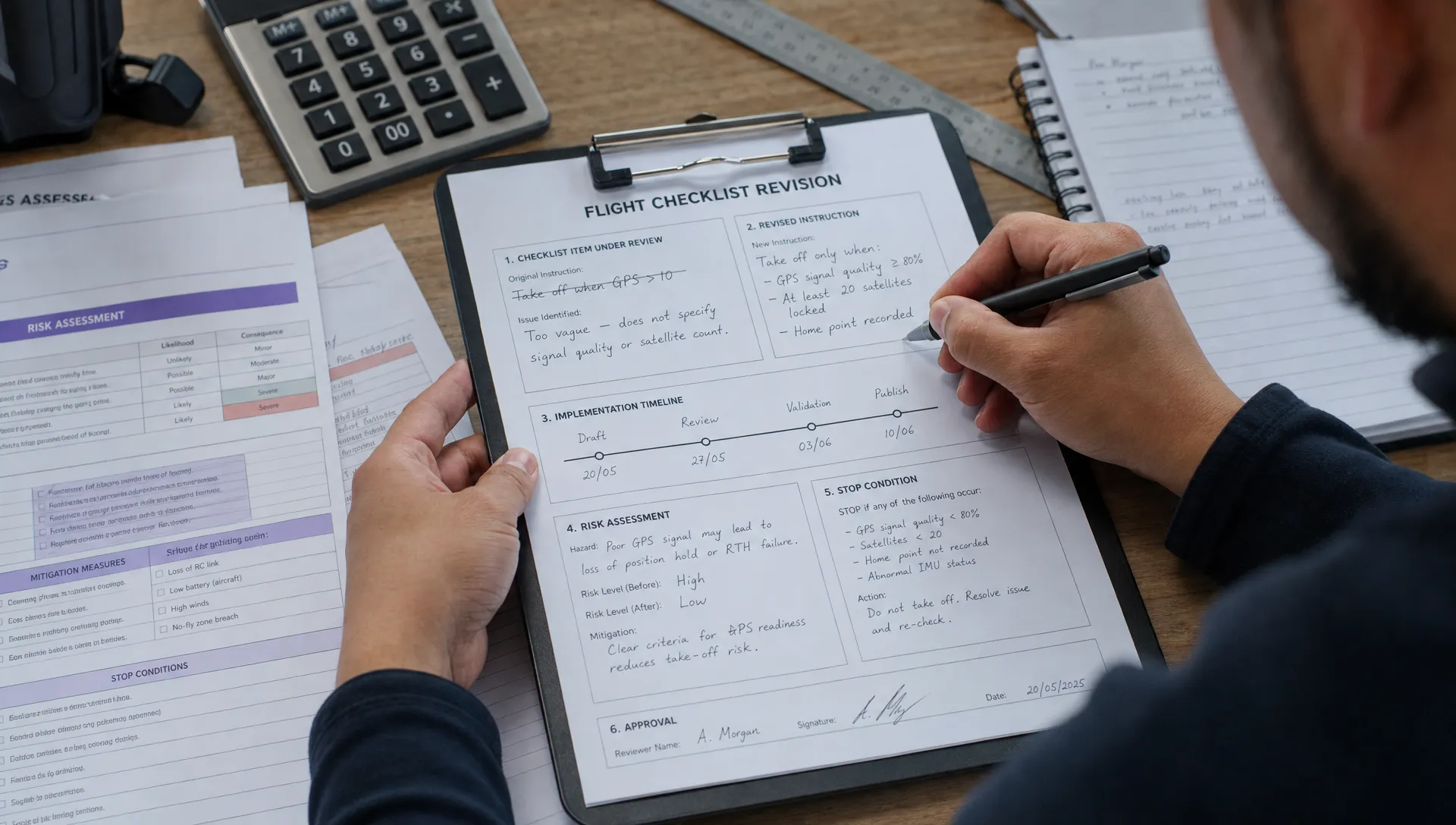 How to Update Drone Flight Checklists After a Near Miss →
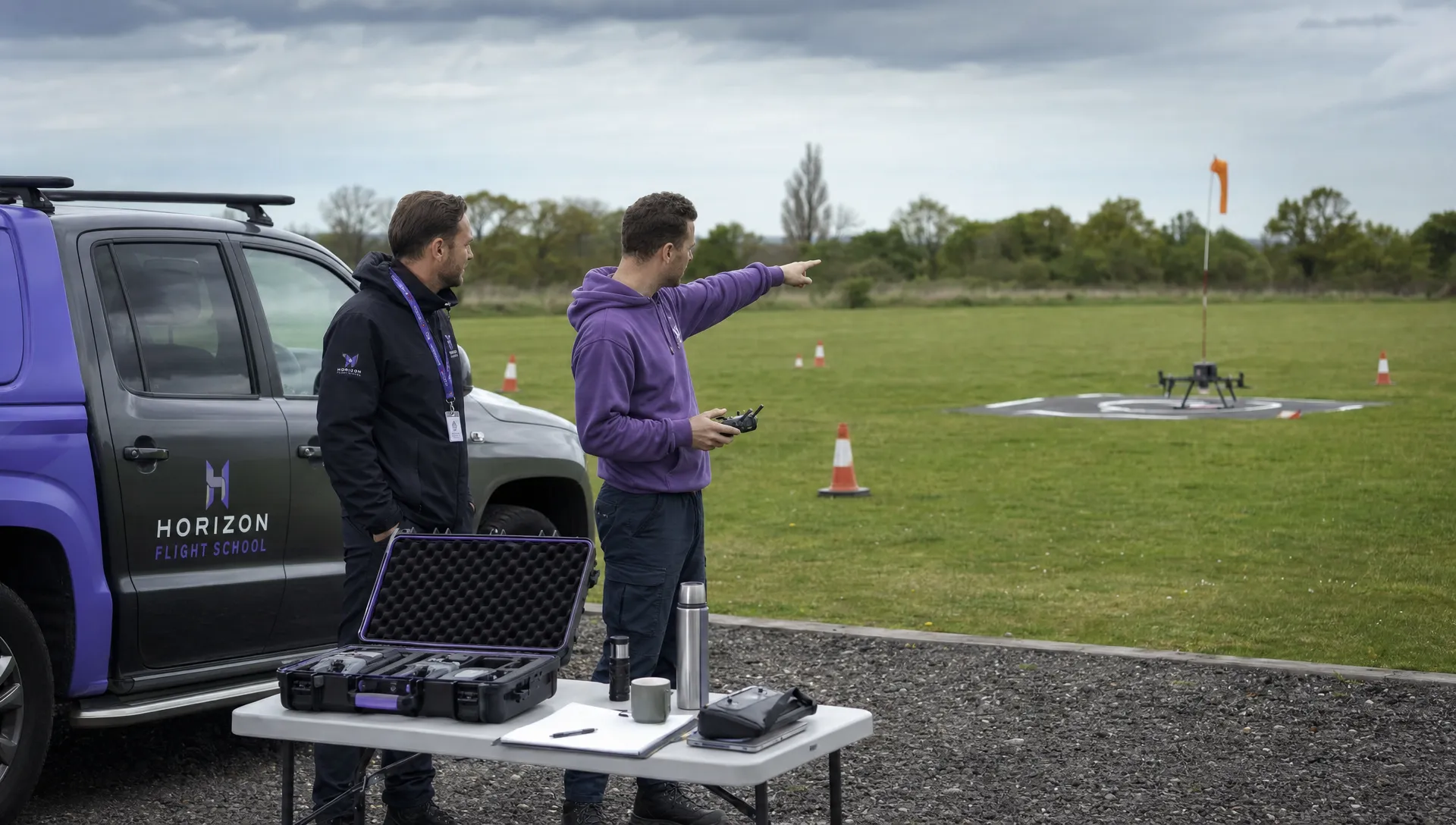 FAA Drone Regulations for Commercial Use in Paid Training →
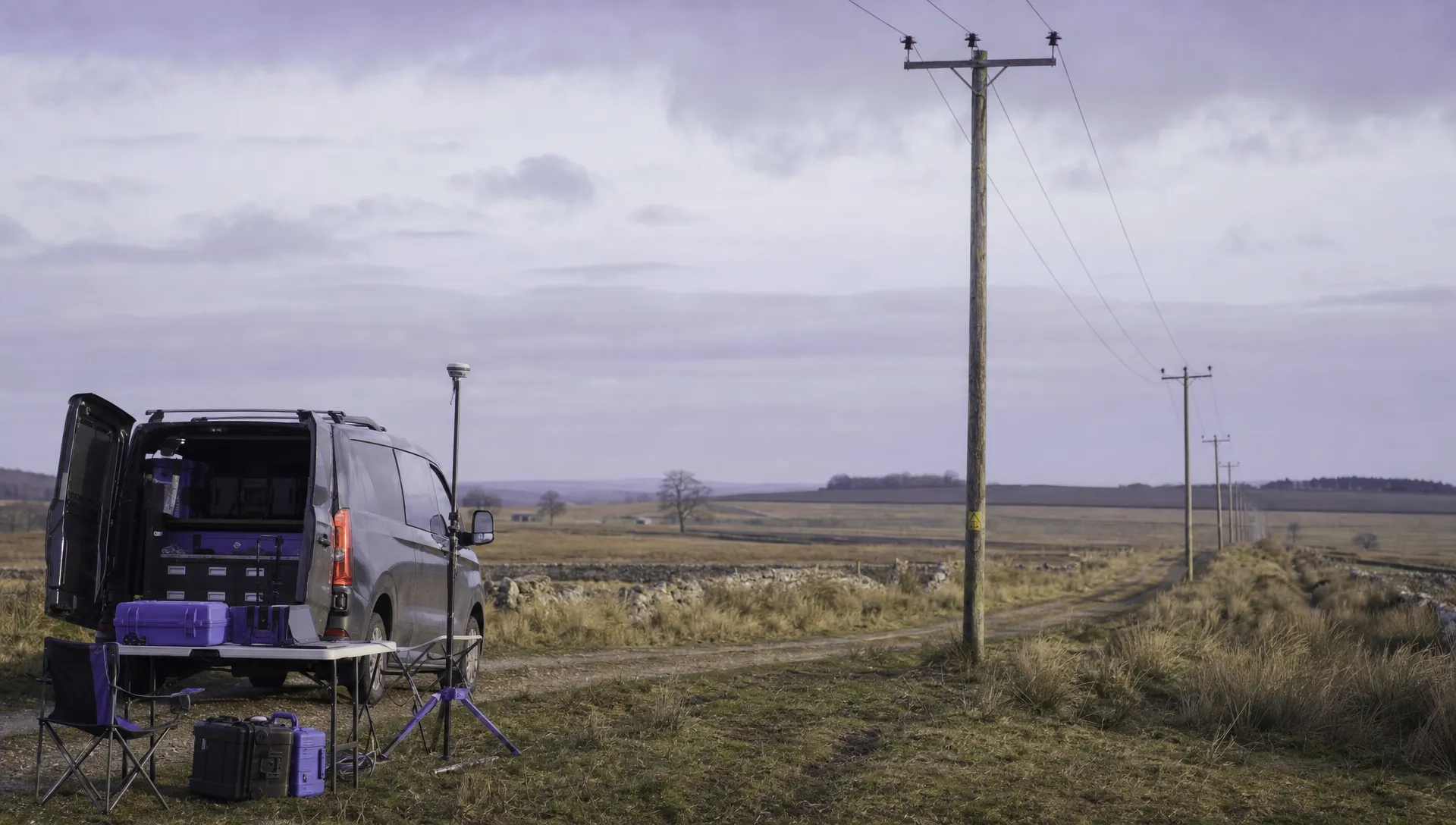 What a Drone Line of Sight Waiver Means for Project Scope →
 Drone Regulations for Commercial Use With Mixed Aircraft Fleets →
 FAA 107 Test Study Plans for Shift Workers →
 How to Match a DJI Flight Log to a Client Job →
 Drone Regulations Under 250 Grams for Mixed-Weight Fleets →
 Drone Safety Guidelines for Working Near Water →
 FAA Rules and Regulations for Drones on Shared Worksites →
 Drone Pilot 107 Refresher Training After a Career Break →